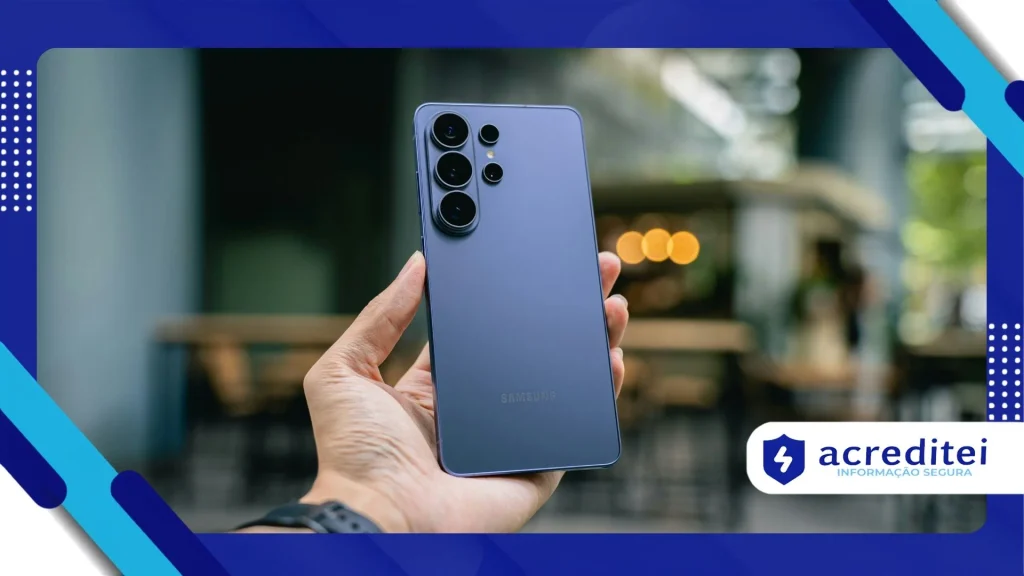
Smart Switch: How to transfer data to a new Galaxy
Adverts
Use the Smart Switch It is the fastest and safest official solution for migrating photos, contacts, messages, and apps from any mobile device to a new Samsung Galaxy smartphone.
The worry of losing important files or spending hours manually reconfiguring each app on your old phone disappears completely when using this native, optimized transfer tool.
Whether migrating from a previous Android device, an iPhone, or directly from a cloud backup, the app simplifies the process into a few guided steps.
Learning how to operate the South Korean manufacturer's transfer ecosystem ensures a smooth transition, keeping your system preferences, call logs, and conversation history fully preserved.
Adverts
What is the Samsung migration app and what data does it transfer?
Developed to eliminate operational barriers during phone switching, the tool performs a complete scan of the original device's memory and compiles the content for transmission.
The software is able to move a comprehensive amount of user information, drastically reducing the time needed to get the new smartphone fully operational on a daily basis.
| Data Category | Supported Connection Methods | Items Transferred Successfully | Known Technical Restrictions |
| Media and Files | USB cable / Wi-Fi Direct / SD card | Photos, videos, music and stored documents | Files protected by corporate DRM |
| Account and Personal Data | USB cable / Wi-Fi Direct / Cloud | Contacts, call history, SMS and notes | Email accounts that require biometrics |
| System Settings | USB cable / Wi-Fi Direct | Saved Wi-Fi passwords, alarms, and wallpapers. | Some definitions unique to other operating systems. |
| Apps and Stores | USB cable / Wi-Fi Direct | List of installed apps and screen layouts | Internal data from banking apps for security purposes. |
Updated technical documentation regarding Android ecosystem requirements and data interoperability is available on the developer portal. Google Android, an authority in mobile software.
The versatility of Smart Switch It allows users to choose between wireless transfer via local Wi-Fi network or direct connection via USB-C to USB-C cable.
The wired connection method delivers significantly higher data transmission rates, making it recommended for users who have hundreds of gigabytes of recorded videos and photos.
If the old device has screen damage that prevents touch functionality, it is possible to restore the content from backups stored on a computer or micro SD card.
How do I prepare my phones before starting the file migration?
Ensuring that both devices have above eighty percent battery charge prevents unexpected shutdowns in the middle of the file copying process.
Connecting both devices to the same stable Wi-Fi network strengthens wireless pairing and prevents interruptions caused by temporary fluctuations in the home internet signal.
Update the app Smart Switch Updating to the latest version available in the app store on both phones ensures full protocol compatibility and security.
Freeing up storage space on the destination device before starting the transfer prevents errors due to lack of physical memory during the decompression of received files.
How to transfer data from an Android or iPhone step by step?
Turn on your new Galaxy and select the option to import data during the initial operating system setup to trigger the automatic migration connection.
Bring the old device close, open the transfer app, and select the option to send data, confirming the pairing permission displayed on the main screen.
Define your preferred connection method, choosing a USB Type-C cable for higher speeds or a Wi-Fi wireless network for greater operational convenience.
Select exactly which file categories you want to move, such as photos, messages, or apps, and tap the transfer button to start the full copy.
Why do banking apps require manual reactivation after being copied?
Due to strict financial security standards, access tokens, bank details, and biometric credentials are not automatically copied during synchronization between mobile phones.
Although the bank's app icon is installed on the new screen, the user needs to log in and validate the device at the ATM.
This layer of protection prevents unauthorized individuals from duplicating access to checking accounts or credit cards simply by copying files from the file system.
Validating your new phone number with your financial institution immediately after the migration is complete ensures that payments via PIX continue to function normally.
Read more: Apps for measuring environments using only your smartphone.
Detailed guidelines on technical hardware specifications, connectivity, and Galaxy mobile solutions can be found on the global portal. Samsung Electronics, the official manufacturer of the device.
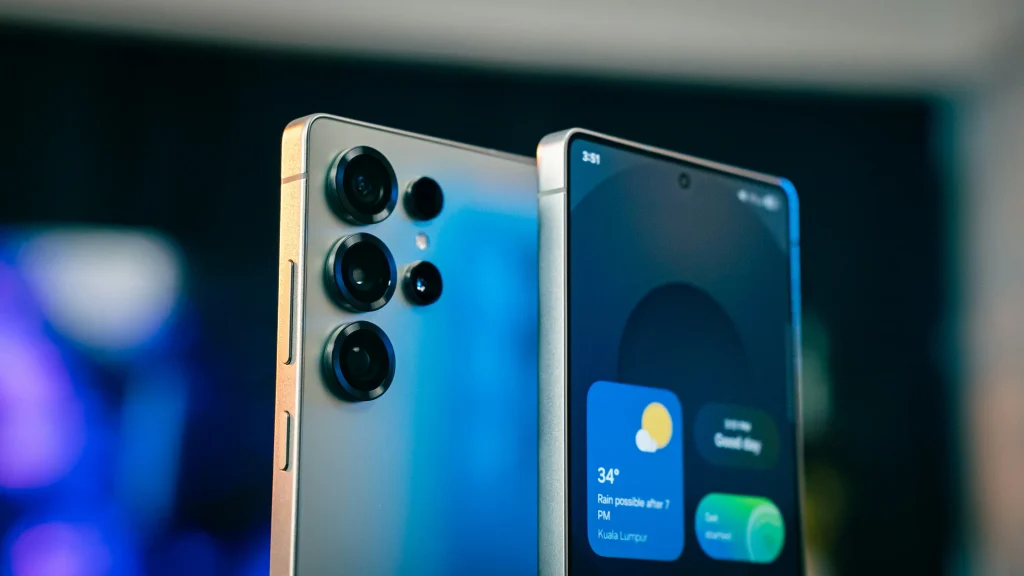
Use the Smart Switch It simplifies the technology transition in your daily life, eliminating the stress of switching your mobile device.
Following the correct procedure preserves the integrity of your digital memories and allows you to immediately enjoy all the features of your new Galaxy smartphone.
What should I do if the connection between the devices is interrupted?
Restarting both smartphones and opening the app again resolves the vast majority of pairing failures caused by temporary RAM memory freezes.
Checking that the USB cable being used has adequate support for high-speed data transmission eliminates disconnection errors during heavy physical transfers.
Temporarily disabling your internet network firewall or mobile data connection prevents interference that affects direct wireless pairing.
Know more: Enable automatic captions on your smartphone for greater accessibility.
Attempting migration in smaller steps, transferring photos first and then messages, reduces processing load and stabilizes file transfers.
Conclusion
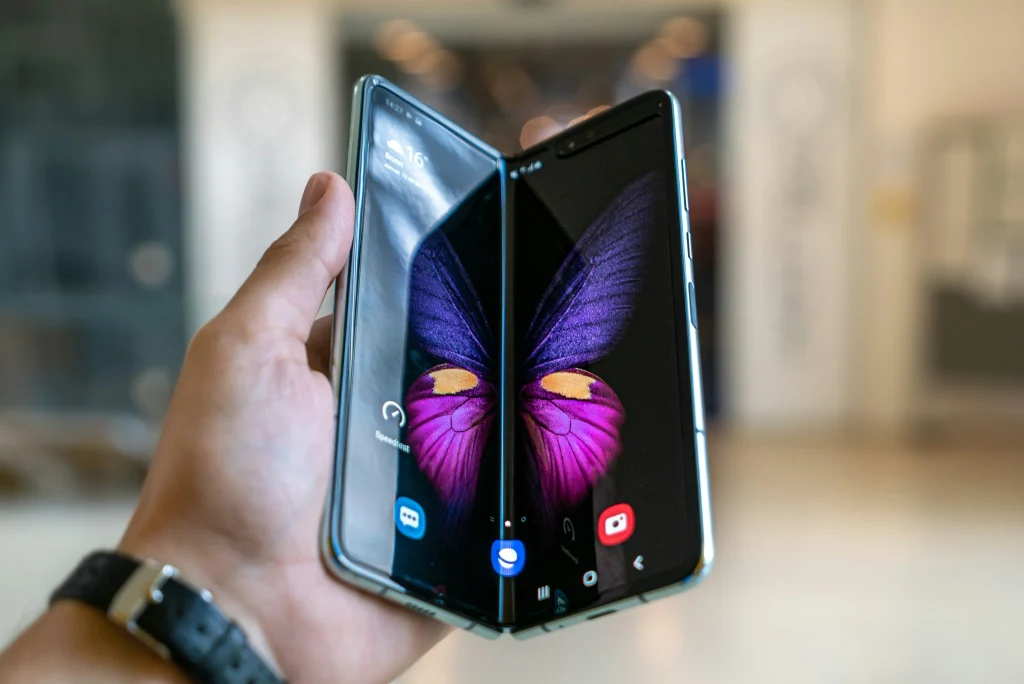
Transferring data to a new Galaxy smartphone has become a simple, fast, and extremely secure task thanks to advancements in the mobile software ecosystem.
Read more: Create a secure folder on your smartphone to protect files.
Choosing the ideal connection method and preparing the devices properly ensures that photos, contacts, and files arrive intact at their destination in just a few minutes.
Taking advantage of automatic migration features saves time and allows you to enjoy your new technology with complete peace of mind and digital organization.
Frequently Asked Questions (FAQ)
Does the transfer process erase the data stored on the old phone?
No, the tool only copies the information to the new device, keeping all the files from the old phone completely intact and preserved.
How long does it take to transfer all the data to the new Galaxy?
Transfer time varies depending on the total volume in gigabytes and the method chosen, generally taking between fifteen and thirty minutes via USB cable.
Is it possible to transfer WhatsApp conversations from an iPhone to a Galaxy?
Yes, it is possible to transfer your entire WhatsApp chat history and media by connecting your iPhone to your Galaxy phone using a USB Type-C cable.