Create a secure folder on your smartphone to protect files.
Adverts
Learn to Create a secure folder on your smartphone. It has become an essential step in protecting personal photos, confidential documents, and financial applications from unauthorized access.
Our devices store work reports, copies of identity documents, and bank statements that require an additional layer of encryption and continuous biometric protection.
Modern operating systems offer native digital vaults capable of isolating this data from the rest of the device, preventing third parties from viewing private files without prior authorization.
Understanding how these tools work and configuring them correctly ensures complete peace of mind when using your cell phone daily, protecting your sensitive information against loss, theft, or accidental intrusions.
Adverts
What is a secure folder and how does data protection work?
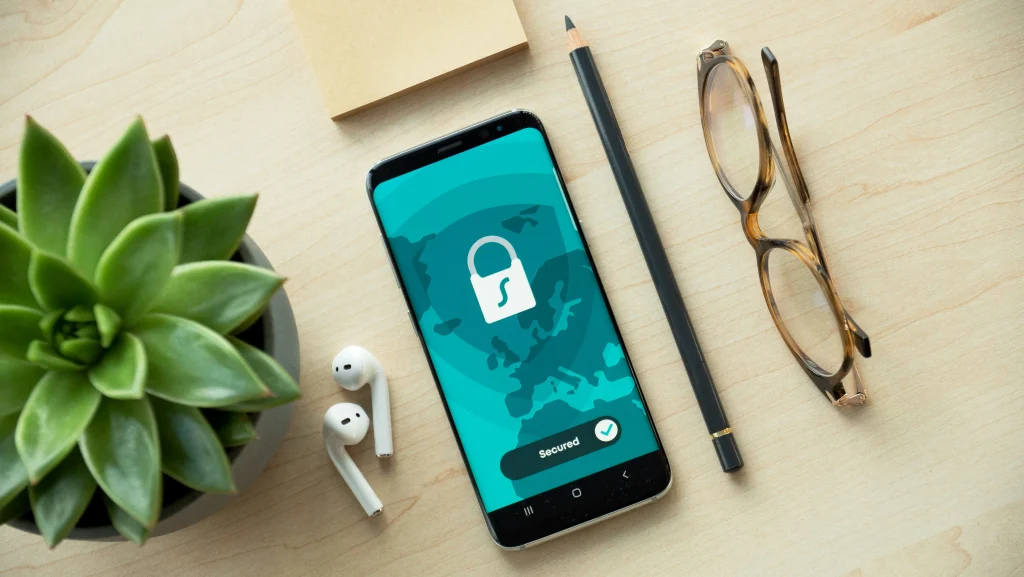
A secure folder functions as an isolated and encrypted environment within the operating system, requiring its own authentication to allow viewing of its stored contents.
The data stored in this digital vault receives advanced-level encryption on the internal storage, preventing direct reading of the files even when connected to external computers.
Applications that are cloned or moved to this space operate completely independently, keeping email accounts and social media profiles completely separate from the main system.
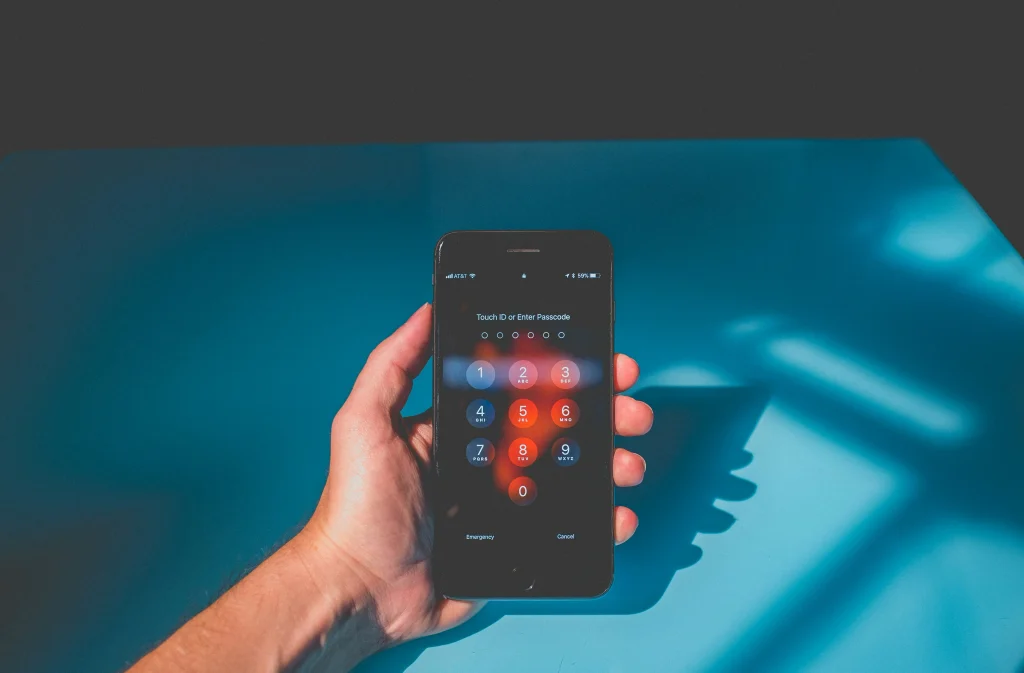
This architecture ensures that, even with the unlocked phone in the hands of third parties, your private documents remain inaccessible without entering your unique PIN or biometric data.
How do I set up a digital safe on Android and iOS?
On the Android system, the feature can be activated by accessing the security and privacy settings, selecting the private space or file vault option.
Users of the Apple ecosystem find similar protection by hiding photos and locking confidential notes with Face ID directly in the device's native apps.
| Operating System | Main Native Resource | Authentication Method | Encryption Level |
| Android (Native) | Private Space / Secure Folder | Unique PIN, Pattern, or Biometrics | Hardware-based AES-256 encryption |
| Samsung Galaxy | Secure Folder (Knox Platform) | Independent password and biometrics. | Samsung Knox hardware isolation |
| Apple iOS | Albums / Blocked Notes | Face ID, Touch ID or Passcode | Native encryption Secure Enclave |
| Google Files | Secure Application Folder | 4-digit PIN or Pattern | Data encryption on the device |
Official guidelines on digital security and mobile device protection are available on the portal. Digital Government of Brazil, a public reference in cyber awareness.
To the Create a secure folder on your smartphone., The user can choose authentication patterns that are completely different from those used on the device's initial lock screen.
This strategic difference makes it more difficult for criminals to access the private safe using passwords discovered through casual observation in busy public places.
Most brands allow you to hide the app drawer vault icon itself, making the area completely invisible to anyone handling the phone.
What types of files and applications should be stored in the vault?
Keeping proof of income, photos of personal documents such as driver's licenses and passports, as well as signed contracts, avoids the unnecessary exposure of data in public galleries.
Secondary banking applications, password managers, and cryptocurrency wallets gain an extra layer of immunity when installed within this encrypted and protected partition.
Notes containing account recovery codes and security keys should be stored exclusively in applications maintained within this secure and isolated environment.
Moving media received in messaging apps to the protected directory prevents confidential images from automatically appearing in the general cloud photo backup.
Why does two-factor authentication improve overall security?
Requiring biometrics along with a unique numeric password ensures that only the legitimate owner can disable the secure partition's protection mechanisms.
Including limits on incorrect attempts temporarily blocks access after successive incorrect entries, frustrating automated attempts to guess the numeric code.
Some advanced systems allow you to configure the automatic erasure of internal content if the device detects systematic and malicious attempts to physically invade the system.
Regularly reviewing access privileges grants the user full control over which tools are permitted to read information contained in the encrypted area.
When and how can I restore access to my protected data?
Losing the unique PIN requires regaining access through the manufacturer's main account linked to the device during the initial setup process.
Keeping recovery options properly updated prevents the owner from permanently losing access to their important documents if they forget their password.
Performing encrypted backups regularly ensures the preservation of confidential data in case the old smartphone is replaced with a newer model.
Technical guidelines on best practices for privacy and information security can be found at [link/resource]. Federal Government Privacy Portal, official regulatory body.
Read more: Portable external SSD accelerates backup and file transfer.
The habit of Create a secure folder on your smartphone. This represents a smart decision to protect your digital life against the vulnerabilities of modern urban life.
Adopting this native tool transforms the management of personal data, ensuring a resilient, confidential mobile environment that complies with best practices.
What common mistakes should be avoided when protecting your files?
Using the same password as the lock screen to access the secure folder negates much of the protection offered by the system's additional layer.
Forgetting to back up data in isolated locations can result in the irretrievable loss of valuable documents if the device suffers serious physical damage.
Leaving the digital safe open after use allows people nearby to view the contents without going through the mandatory re-authentication process.
Know more: Apps in the Microsoft Store: Find the best apps for work.
Ignoring regular operating system updates exposes the vault to known software vulnerabilities for which patches have already been released by official manufacturers.
Conclusion
Protecting personal data on mobile devices has gone from being a technical luxury to an indispensable cybersecurity and privacy measure.
Read more: Apps for finding charging points for electric cars
Native file isolation tools offer a practical, highly efficient, and affordable solution for storing sensitive documents without additional costs.
Setting up your digital vault today ensures that your photos, passwords, and contracts remain strictly confidential, regardless of what happens to your mobile device.
Frequently Asked Questions (FAQ)
Can I set a different password for the secure folder than the one I use on the lock screen?
Yes, it is highly recommended to use a password or PIN that is completely different from the pattern used to unlock your device's home screen.
If I delete the application from the secure folder, will my files be deleted?
Uninstalling or resetting the digital vault tool permanently deletes all files and applications stored within it for security reasons.
Does Google Photos backup save files kept in the secure folder?
By default, most systems prevent files stored within the secure vault from being sent for automatic cloud backups.