Digital security during the holidays: how to protect your devices and data at the end of the year.

Adverts
Ensure the Digital security on vacation It should be at the top of your priority list, right alongside airline tickets and hotel reservations.
The holiday period is, unfortunately, a time of high productivity for cybercriminals who exploit tourists' distraction.
Many people believe that by disconnecting from work, the risks of cyberattacks magically disappear, but reality shows exactly the opposite in 2025.
Hackers are using increasingly sophisticated tactics, taking advantage of the natural relaxation we feel when we are out of our usual routine and away from home.
Adverts
In this article, we'll explore practical strategies and essential tools to protect your digital life while you enjoy your well-deserved rest.
Summary:
- Why do cybercriminals attack more during holiday seasons?
- What are the hidden dangers of public Wi-Fi networks in airports and hotels?
- How can "Juice Jacking" compromise your cell phone through USB chargers?
- What essential settings should you enable before leaving home?
- How does excessive exposure on social media attract physical and digital risks?
- Comparative Table: Safe Practices vs. Risky Behaviors.
- What should you do immediately if your device is stolen or lost?
- Frequently Asked Questions (FAQ).
Why do cybercriminals attack more during holiday seasons?
The end of the year creates a perfect scenario for digital scams, as the volume of financial transactions and online bookings increases dramatically.
Criminals know that, in the rush to secure travel packages, people tend to be less vigilant in verifying the authenticity of websites and promotional links they receive.
Furthermore, letting your guard down is a crucial psychological factor; we are less likely to suspect irregularities when we are relaxed, having a drink on the beach.
Security reports indicate a significant increase in attacks of phishing travel-themed events during the months of December and January.
These fake emails simulate flight confirmations or problems with hotel reservations, inducing the victim to urgently click on malicious links.
Therefore, maintain the Digital security on vacation It requires a healthy skepticism, even when all you want to do is relax.
+ Apps and websites for freelancers and students in Brazil that help automate tasks.
What are the hidden dangers of public Wi-Fi networks in airports and hotels?
Connecting to any open network to save on your data plan is one of the most classic and dangerous mistakes made by modern travelers.
Airport, café, and hotel lobby Wi-Fi networks often lack adequate encryption, allowing hackers to intercept all traffic transmitted through them.
This means that passwords, credit card numbers, and emails can be captured in real time by someone sitting just a few feet away from you.
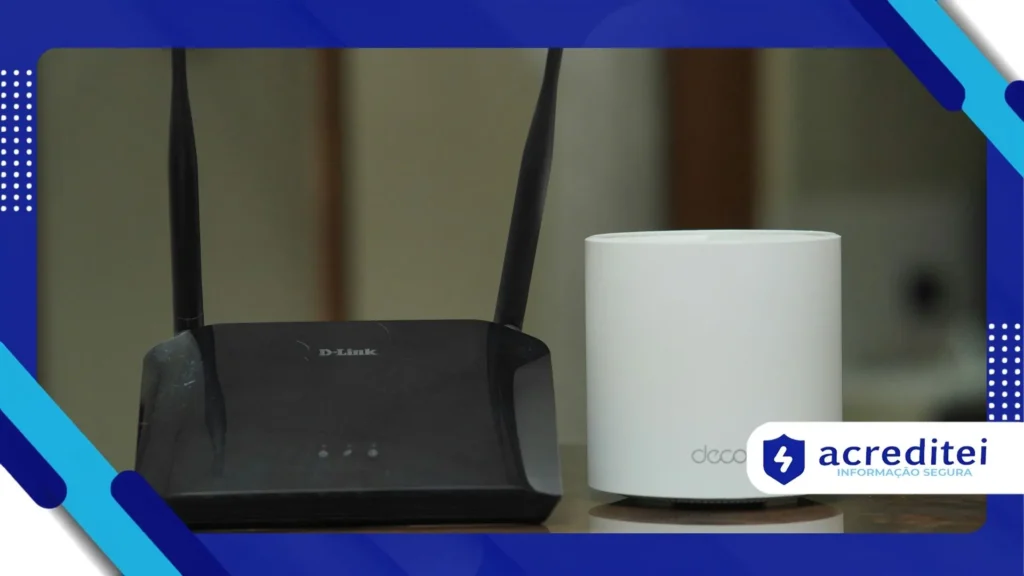
The best defense is using a VPN (Virtual Private Network), which creates an encrypted tunnel for your data, making it unreadable to third parties.
If you don't have a reliable VPN installed, the recommendation is to exclusively use your own mobile phone's 4G or 5G network.
To better understand how these tools protect your browsing on hostile networks, consult this guide on... How VPNs work and their importance for travelers..
How can "Juice Jacking" compromise your cell phone through USB chargers?

Have you ever seen those free USB charging stations in airports and shopping malls that seem like a lifesaver when your battery is running low?
They may be hiding a trap known as Juice Jacking, where the USB port is modified to steal data or install malware on your device.
The USB cable transmits both power and data, and criminals can tamper with the kiosks to silently copy photos, contacts, and banking credentials.
By 2025, with the sophistication of mobile malware, this transfer of malicious data could occur in a matter of seconds after connection.
The most effective solution is to always carry your own power adapter (the "box") and use conventional electrical outlets, ignoring public USB ports.
Alternatively, you can invest in a "USB data blocker," a small adapter that only allows power to pass through, blocking file transfer.
+ 10 cybersecurity practices for small businesses to avoid attacks
What essential settings should you enable before leaving home?
Preparation is key to a smooth trip, and that includes protecting your devices even before packing your bags.
Start by updating the operating system and all applications on your smartphone and laptop to fix security vulnerabilities known to manufacturers.
Enable two-factor authentication (2FA) on all your critical accounts, preferably using authenticator apps instead of SMS.
SMS can be intercepted through scams SIM Swap, where the criminal clones your phone number to receive your access codes.
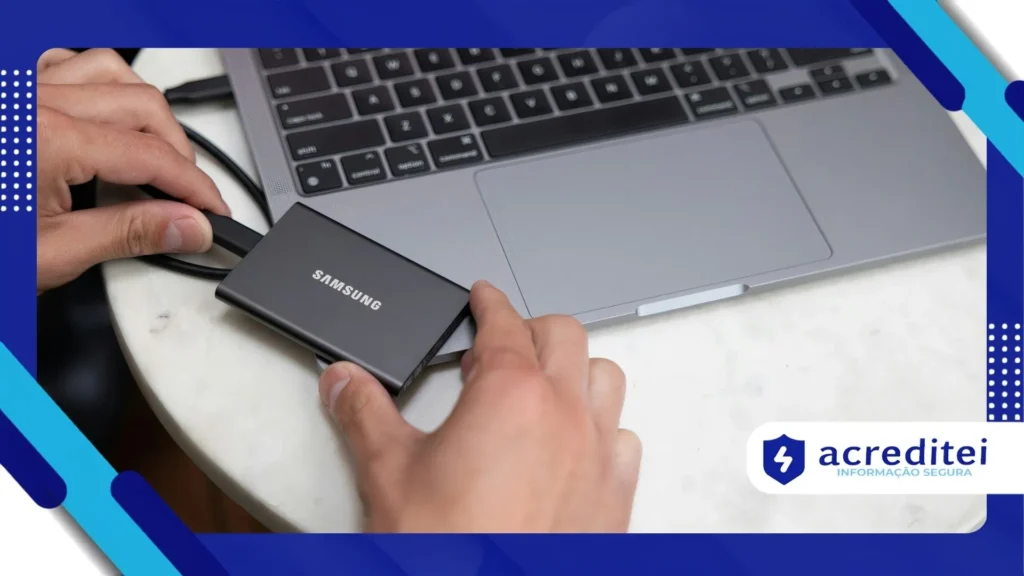
Perform a complete backup of your data to the cloud or to an external hard drive that will be safely stored at your home.
If you lose your device or become a victim of ransomware, having an up-to-date backup ensures that your photos and documents are not lost forever.
+ The importance of updates and how to perform them safely
How does excessive exposure on social media attract physical and digital risks?
Posting photos of your boarding pass or sharing your real-time location is an open invitation for criminals of all kinds.
The barcode on your boarding pass contains sensitive data that can be used to access your airline account and change flights.
Furthermore, publicly announcing that your house is empty can attract thieves who monitor social media in search of unoccupied homes during the holidays.
Social engineering also feeds on this information; scammers can use your posts to create convincing stories and solicit money from your family members.
To maintain the Digital security on vacation, Post your photos and memories only after you return, or restrict viewing to close friends only.
This practice, known as "posting delay," allows you to share your experiences without compromising your physical and digital security in real time.
Comparison of Attitudes
Below, we present a quick table to help you visualize what differentiates a vulnerable tourist from a digitally protected traveler.
| Risky Behavior | Safe and Recommended Practice |
| Using open Wi-Fi without protection. | Use 5G or Wi-Fi with VPN enabled. |
| Charging via public USB ports. | Use a wall charger or power bank. |
| Post photos of the plane ticket. | Keep travel data private. |
| Passwords saved in the browser. | Use a Password Manager. |
| Leave Bluetooth always on. | Turn off unused wireless connections. |
What should you do immediately if your device is stolen while traveling?
Despite all the precautions, unforeseen events happen, and knowing how to act quickly is essential to minimize the damage from a theft or robbery.
Before traveling, make sure that tracking features such as Google's "Find My iPhone" or "Find My Device" are enabled and configured.
If the device goes missing, immediately use another device to access these tools and lock the device or remotely erase the data.
Contact your bank to temporarily block the financial apps and digital cards that were registered in your mobile wallet.
Change the passwords for your social media accounts and main email as soon as possible, preventing the thief from assuming your online identity.
File a local police report, as this document will be necessary to file insurance claims and dispute any fraudulent purchases made in your name.
Having your device's IMEI number written down in a safe place (outside of the phone) makes it easier to completely block the device with your carrier.
For detailed instructions on how to locate or wipe data from a lost Android device, please refer to the [link/reference to relevant documentation]. official Google support.
Conclusion
Protecting your digital life doesn't mean becoming paranoid, but rather adopting smart habits that allow you to enjoy rest with true peace of mind.
Technology should be an ally on your trip, facilitating maps, translations, and payments, not a gateway to headaches.
By applying the layers of protection we discussed, such as VPNs, backups, and discretion on social media, you thwart most attack attempts.
Remember that the Digital security on vacation It's an ongoing process that begins with planning and continues until the return home.
Adopt these measures today and ensure that the only surprises on your trip are the incredible landscapes and great gastronomic experiences.
Have a great vacation and sail safely!
Frequently Asked Questions (FAQ)
Should I use computers in hotels or internet cafes to access my bank account?
Never. These computers may contain keyloggers, These are programs that record everything you type, including your bank passwords. Use only your personal device.
Is it safe to use contactless payments (NFC) when traveling internationally?
Yes, it's safer than inserting the physical card because NFC generates a unique code for each transaction, preventing the cloning of card data.
Does "Airplane Mode" help with digital security?
Indirectly, yes. By activating Airplane Mode when you're not using your phone, you cut off Bluetooth and Wi-Fi connections, closing entry points for local attacks.
Can I trust QR codes on menus in tourist restaurants?
Be careful. Criminals are pasting stickers with fake QR codes over the originals to redirect customers to malicious websites. Check if the sticker appears to have been tampered with.