Avoid QR Code scams: practical tips for checking links
Adverts
Avoid QR Code scams It is an urgent priority in a scenario where technology is rapidly becoming part of everyday life.
In this guide, you'll learn how to identify malicious QR Codes, check links before scanning them, and intelligently protect your data.
We'll explore the real risks, show practical examples, present relevant statistics, and offer up-to-date and effective tips.
The rise of QR Codes and the invisible risks
With the digitalization of services, QR Codes have become common in restaurants, events, payments, and public services.
Adverts
However, this practicality has been exploited by digital criminals in increasingly sophisticated ways.
According to research released in 2024 by Kaspersky, there was a 71% increase in scams involving QR Codes compared to the previous year.
The ease of pasting a sticker with a fake QR code over the original makes this scam silent and effective.
In high-traffic locations, such as ATMs and subway stations, this type of action has become almost imperceptible.
The question is: do you really know where you are clicking when you scan a code?
How QR Code Scams Work
Criminals use QR Codes to redirect users to fake pages, where personal, banking and password data can be collected.
In some cases, a simple scan installs malware on the device without the user noticing.
Imagine the following situation: you're in a restaurant, scan the QR Code to access the menu, and end up providing your bank details on a cloned page.
Sounds absurd? But it happens. This type of scam, known as "QRishing," is on the rise because it exploits the everyday habit of scanning codes without checking the landing page's details.
Additionally, there are cases where QR Codes direct users to malicious files that automatically install themselves on outdated Android phones, completely compromising the device.
In just a few minutes, all information could be in the hands of criminals.
Other people also read: Real benefits of battery saver mode — is it always worth activating?
Tip 1: Check the link before clicking
The first and most effective way to avoid QR Code scams is to check the URL before any interaction.
After scanning the code, your smartphone will display the link before you access it—a crucial moment for making a safe decision.
Check whether the address is trustworthy, has HTTPS, and is recognized by the domain. Misspelled sites, generic domains, or very long URLs are red flags.
And never click on shortened links that hide the real destination of the page.
If possible, use a secure browser that displays automatic alerts about risky websites. Remember: if a site seems suspicious, trust your instincts.
Tip 2: Prefer official applications
Avoid scanning QR Codes directly from the camera if you can use apps from trusted brands.
Banking apps, digital wallets, and QR scanners offer built-in security checks, significantly reducing the risk of malicious redirection.
Platforms like Mercado Pago, Nubank, and even the Federal Revenue Service app use QR Codes for extra protection.
They recognize if the code has been tampered with or if the page is not what was expected, creating another layer of security for the user.
Additionally, using apps with two-factor authentication (2FA) increases fraud resistance even in the event of a data leak.
Tip 3: Pay attention to the context and environment
Before scanning any code, consider the context. Is the QR Code in a trusted location?
Does it appear to have been pasted over something else? Are there visual errors in the printed material? A simple but effective approach is to look for traces of glue, unevenness in the paper, or printing flaws—all signs of tampering.
In 2023, for example, drivers in Houston (USA) fell for a scam after scanning QR Codes on parking meters.
They were directed to cloned websites to make payments. The codes had been inconspicuously pasted over the originals.
The scam spread quickly, reaching hundreds of users in a matter of weeks.
Tip 4: Use QR readers with verification
There are apps that scan QR Codes and analyze the security of the link before redirecting.
Tools like Norton Snap QR Code Reader offer scanning with an added layer of protection.
These apps act as a mobile firewall, blocking suspicious redirects and preventing access to malicious links.
This practice helps to avoid QR Code scams, especially when you're on the go and don't have time to calmly check every detail.
Deepen your knowledge: QR Code Reading Apps: Which One Reads Faster and Safer?
Tip 5: Educate yourself and share information
The best defense against digital fraud is knowledge. Share information about scams with family and colleagues.
Many victims are older or less accustomed to the online environment. A simple warning can prevent significant damage.
Awareness campaigns in companies, schools and public institutions have shown good results.
Digital education should be seen as an ongoing process, not as a one-time acquisition. A well-informed user is, by definition, less vulnerable.
Look how interesting: How to Protect Your Children in the Digital World
Warning signs: what to look for
| Warning Sign | Meaning |
|---|---|
| Misspelled domain | Fake or cloned website |
| QR Code pasted over another | Possible malicious replacement |
| Link does not use HTTPS | Lack of encrypted security |
| Immediate redirection | Can hide real link destination |
| Page with incomplete layout | Fake website sign on makeshift hosting |
Tip 6: Check QR Codes of companies and public institutions
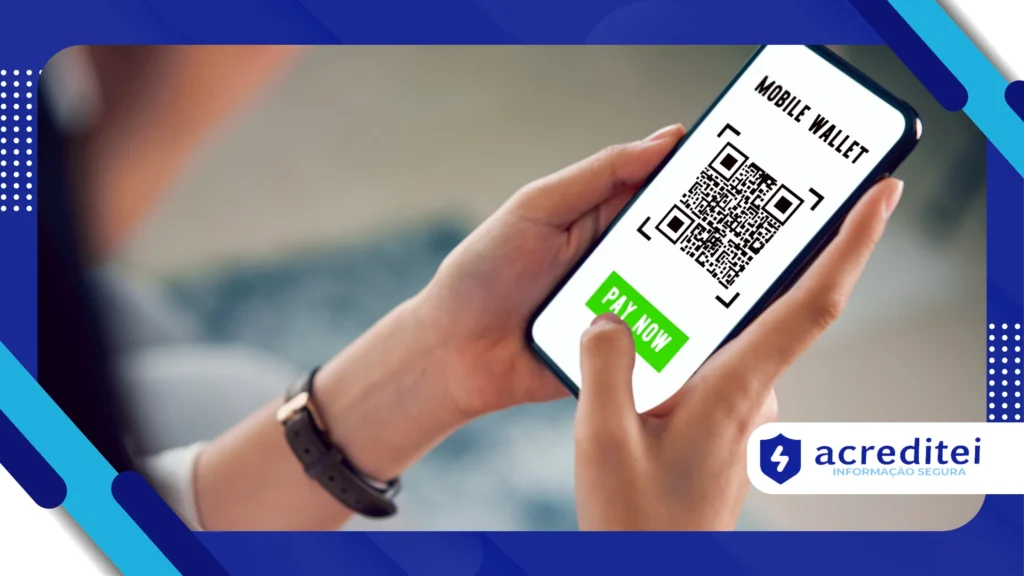
Many companies and government institutions have adopted QR Codes in promotional materials, tax documents and customer service channels.
Before trusting, check that the QR code actually belongs to the institution in question.
You can go to the company's official website and compare the link or contact the customer service center.
Be wary of overly generous promotions, unexpected prizes, or urgent invitations to validate personal information.
One of the most recent examples involved a fake Caixa Econômica Federal QR Code pasted over an original poster at a branch.
It redirected the customer to a page that looked very similar to the official website, but captured their login details. An alert customer reported the incident, preventing further harm.
The importance of updates and authentication
Keeping your phone's operating system up to date is an indirect but powerful way to avoid QR Code scams. Updates fix vulnerabilities exploited by cybercriminals and ensure browsers are able to identify fraudulent websites.
Additionally, enabling two-factor authentication (2FA) on all essential services is an additional barrier against data misuse, even if data is compromised.
How to recognize a scam disguised as an emergency
Many scams use the tactic of urgency. "You have 30 minutes to confirm your details," "Last chance to secure your bonus," or "Your CPF has been suspended, regularize it now" are common triggers for scams.
This strategy works because it induces fear or haste in the user, inhibiting critical analysis. The rule is simple: if it seems too urgent to be true, stop, breathe, and analyze.
The role of companies in consumer protection
Responsible companies have already begun adopting dynamic QR Codes, which regenerate after each use, making cloning and replacement difficult.
Banks and fintechs invest in encryption and visual seals to authenticate their materials.
According to Fortinet, more than 35% of attacks involving QR Codes target bank customers. Strengthening security must be a two-way street: companies must protect, and consumers must monitor.
Conclusion: attention is the new antivirus
Digital security is less about tools and more about behavior. Even with antivirus, firewalls, and protection apps, a careless click can open breaches.
Developing the habit of checking, questioning, and observing is the most effective step to avoid QR Code scams and other types of digital fraud. Attention has become the new antivirus—free, but essential.
Frequently Asked Questions
1. Can all QR Codes be dangerous?
No. But it's essential to take a preventative approach and check links before clicking them.
2. Can I trust QR Codes at official events?
Generally, yes, but printing errors or physical substitutions are still risks. Always verify the source.
3. Is an antivirus on your cell phone enough?
It helps, but the most important factor is your digital behavior. Use it as a complementary tool.
4. Is it safe to use QR Codes on bills?
Yes, as long as the invoice is issued through official channels. Avoid resending invoices via unverified WhatsApp or email.
5. Is there a website where I can report suspicious QR Codes?
Yes, you can use the SaferNet channel or contact your bank's Ombudsman to report fraud.