Real benefits of battery saver mode — is it always worth activating?
Adverts
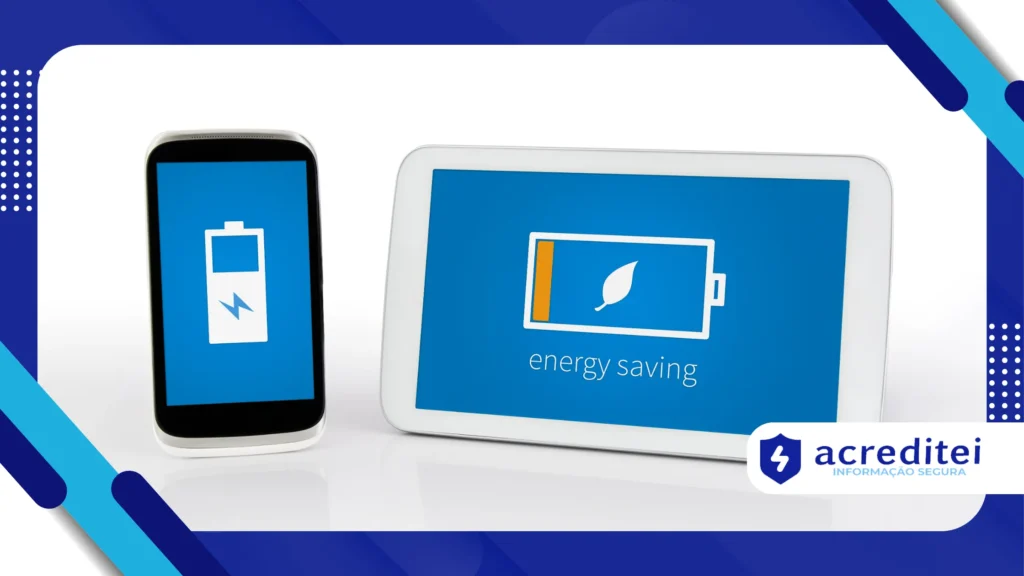
Activate the battery saving mode It's a common action when your cell phone is about to turn off, but many people still have doubts about its real effectiveness and the impacts of constantly using this function.
In an increasingly connected world, where dependence on smartphones is growing, it is no surprise that many want to extract maximum power from their device.
However, it is necessary to understand what this option actually does, when to use it and whether or not it causes harm to everyday use.
In this article, we'll delve deeper into the real effects of this feature, based on up-to-date data, practical examples, and expert opinions. See the summary for the points we'll explore:
Adverts
Summary:
- How battery saving mode works
- The hidden benefits of this feature
- The impacts on performance and productivity
- When is it ideal to activate and when is it not?
- Technologies that are changing the relationship with batteries
- Does the economy pay off? A balanced analysis
- Frequently Asked Questions
How battery saving mode works
This feature, found on both Android and iOS, limits several system processes to reduce power consumption.
This includes reducing CPU frequency, restricting automatic syncs, limiting background location, and reducing screen brightness.
On some devices, it also suspends animations and changes the refresh rate.
In practical terms, activating the battery saving mode It's like putting your smartphone into a “minimalist” version of itself, allowing only what's essential for basic functioning.
It's a smart measure, but it must be used wisely.
This functionality can be activated automatically when the load reaches a certain percentage, usually between 15% and 20%.
However, some people prefer to leave it on all the time. And that's where some pitfalls arise.
Read too: How to find hidden or background apps consuming your data and battery
The hidden benefits of this feature
The most obvious benefit is the extension of the load. A study of Android Authority in 2024 demonstrated that the use of battery saving mode can extend the device's autonomy by up to 25% in light usage situations.
This increase can be essential for trips, long events, or situations where access to power outlets is limited.
Additionally, the feature protects battery integrity by preventing frequent full discharges, which are harmful in the long run, as pointed out by experts at Battery University.
Another positive aspect is focus. By limiting notifications, social media updates, and background apps, the user experiences fewer distractions.
This behavior is especially valued by those seeking productivity or moments of intentional disconnection.
See too: Portable Thermal Printers: Practical Uses Beyond Labels
The impacts on performance and productivity
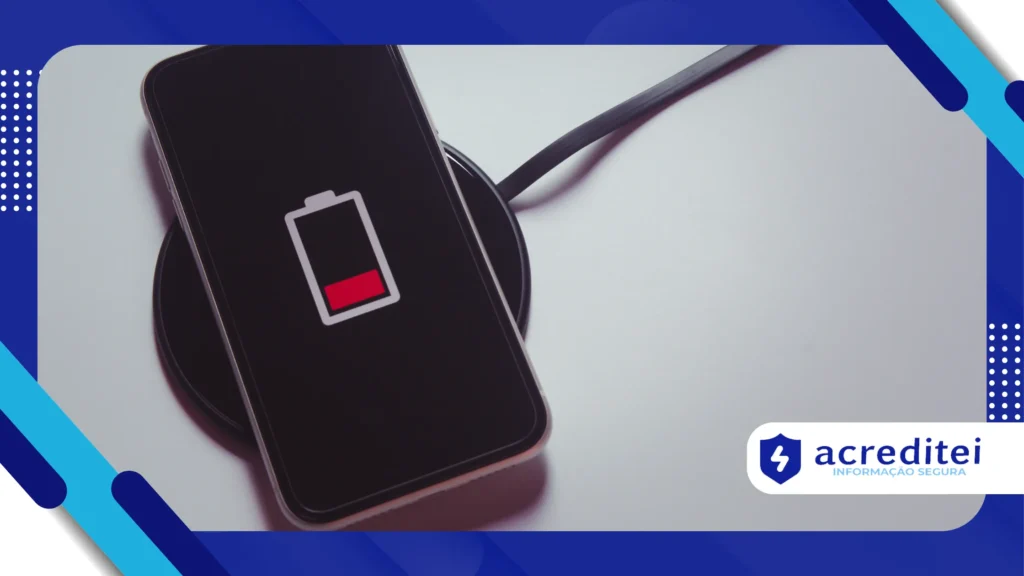
Despite the benefits, using the battery saving mode constantly can generate significant limitations.
Apps that rely on real-time syncing, such as email, Google Drive, or messaging apps, may experience delays or delivery failures.
Users of mid-range or older devices report slowness when performing simple tasks with the mode enabled.
This happens because the processor operates with less power, prioritizing only essential operations.
An illustrative case: a journalist covering real-time events reported that, by keeping the mode activated during a press conference, she missed important WhatsApp updates and emails containing exclusive information.
In other words, the economy came at the cost of agility.
Continued use may also interfere with location services such as Waze or Google Maps, compromising the accuracy of the GPSFor those who depend on these functions, it is a limiting factor.
When is it ideal to activate and when is it not?
Enabling this feature is highly recommended for situations like travel, hiking, emergencies, or long events. It's also useful at the end of the day, when the battery is low and the charger is far away.
On the other hand, keeping it plugged in in environments with easy access to charging can be counterproductive.
The reason? The system begins to operate unnecessarily limited, compromising performance even with available power.
Using the mode strategically is best. Evaluate your usage pattern, battery life, and outlet availability. The decision doesn't need to be definitive, but rather context-sensitive.
+ How to Save Space on Your Phone Without Having to Uninstall Apps
Technologies that are changing the relationship with batteries
Battery developments also influence the role of economy mode. With the arrival of graphene-based models, such as those tested by Samsung in 2025, battery life and charging speed have improved significantly.
These new batteries promise up to 60% longer life and full recharges in less than 15 minutes.
This technology, although in its early stages of widespread use, could make constant use of economy mode less relevant in the future.
Processors are also more efficient. The Snapdragon 8 Gen 4 brought gains of 40% in energy efficiency, according to the company itself. Qualcomm.
This means more tasks are accomplished with less consumption.
Does the economy pay off? A balanced analysis
Use the battery saving mode It's like driving on reserve: it works, but it's limiting. It's advantageous when you're far from a gas station, but not ideal for your normal routine.
If you are a user who depends on high performance, fast app response, and constant syncing, keeping the mode active is not recommended.
But if you tend to browse in moderation, use your cell phone for specific tasks and are looking to save as much as possible, this feature is valuable.
Remember: you can also adopt good practices to save battery without resorting to power saving mode, such as controlling brightness, closing background apps, and avoiding unnecessary widgets.
To follow other tips on energy consumption and technology, TechTudo brings updated and reliable content.
Frequently Asked Questions
1. Can I leave battery saving mode on all the time?
You can, but it's not recommended. Your device will operate with restrictions, which may negatively impact usability at times.
2. Does economy mode harm battery life?
In fact, it can help preserve it by avoiding deep discharge cycles. However, it doesn't replace good usage practices.
3. Can notifications be delayed with the mode activated?
Yes. This happens because the system limits background activity, which includes syncing and push notifications.
4. Is the feature the same on all devices?
No. Each manufacturer implements the feature differently, with variations in the restricted functions.
5. Are there apps that help manage the battery better?
Yes. Apps like AccuBattery and GSam Battery Monitor allow you to track detailed consumption and identify the biggest energy hogs.