Enable automatic captions on your smartphone for greater accessibility.
Adverts
Learn to Enable automatic captions on your smartphone. It transforms digital accessibility, allowing you to transcribe audio, video, calls, and voice messages in real time directly on your device's screen.
This speech recognition technology, integrated into mobile operating systems, converts the device's sound into instant text, eliminating the need for an internet connection to function.
Whether for people with hearing impairments or for those who wish to watch content in noisy places without headphones, this feature offers autonomy and inclusion in daily use.
We will analyze how to configure this tool on Android and iOS, adjusting language, font appearance, quick shortcuts, and advanced transcription features without complicating your navigation.
Adverts
How does real-time audio transcription work on mobile phones?
The system uses locally installed machine learning algorithms to process the sound signals emitted by the speakers and convert them into text without sending data to the cloud.
This architecture guarantees complete user privacy, as well as keeping the feature operational even when the device is in airplane mode or without a mobile network signal.
The feature automatically detects voices in social media videos, podcasts, saved media files, and even during phone calls or audio calls in messaging apps.
To know Enable automatic captions on your smartphone. It optimizes media consumption by displaying an adjustable floating box that follows the sound playback without covering vital screen elements.
How do I set up this feature in the Android and iOS ecosystems?
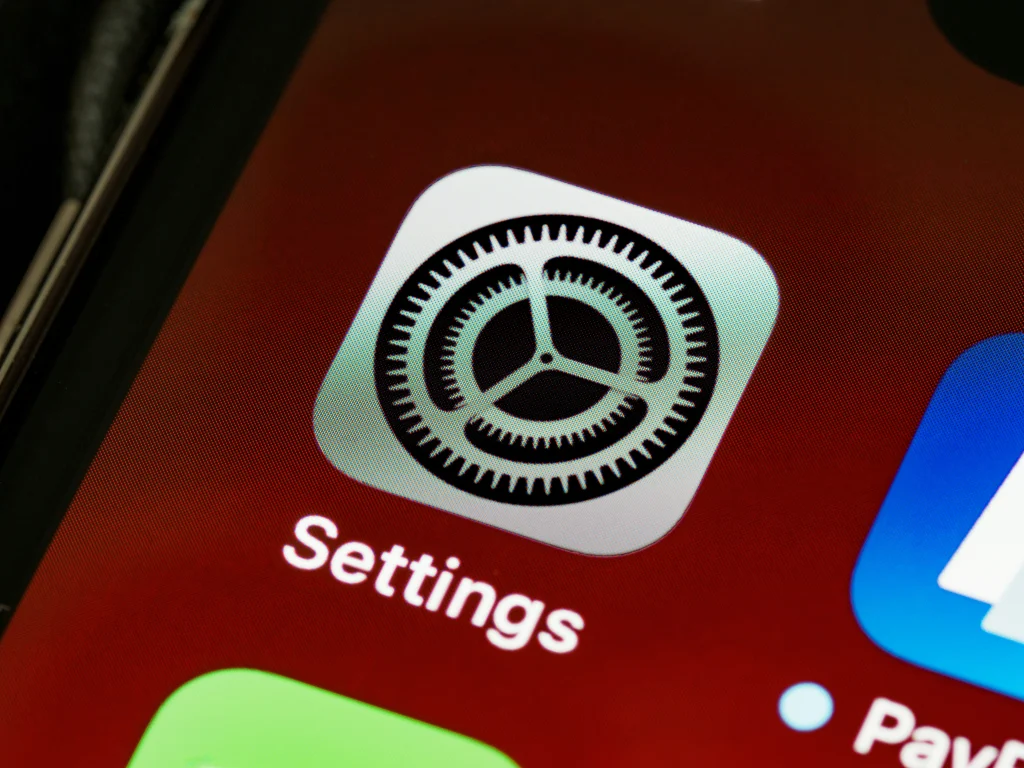
On the Android system, open the settings menu, select the accessibility option, and tap on Live Caption to toggle the activation switch to the on position.
Press the device's physical volume buttons to display the audio control on the side, and tap the square caption icon to quickly turn the feature on or off.
In the Apple ecosystem, access your iPhone's settings, go to the accessibility section, and select Live Captions to enable the service in apps and calls.
Customizing font size, text color, and background opacity improves visual readability, precisely adapting the interface to each user's individual preferences.
Automatic Captioning Features by Operating System
| Accessibility Functionality | Features in the Android System | Features in the iOS System | Practical Benefit for the User |
| Offline Local Processing | Available via downloaded speech model. | Available via internal Neural Engine. | It guarantees privacy and works without internet. |
| Quick Activation Shortcut | Physical volume button or accessibility menu | Control Center or Rear Touchscreen | Turn transcription on and off with one touch. |
| Style Customization | Customizable colors, font size, and background. | Text styles and adjustable windows | Improves the visibility of words on the screen. |
| Voice Call Support | Available on Pixel and select models. | Available on FaceTime and voice calls. | Transcribes phone conversations in real time. |
Why does automatic transcription improve accessibility in everyday life?
Deaf or hard-of-hearing people gain the autonomy to consume any audiovisual content on the internet without depending on manual subtitles inserted by the creators of the original videos.
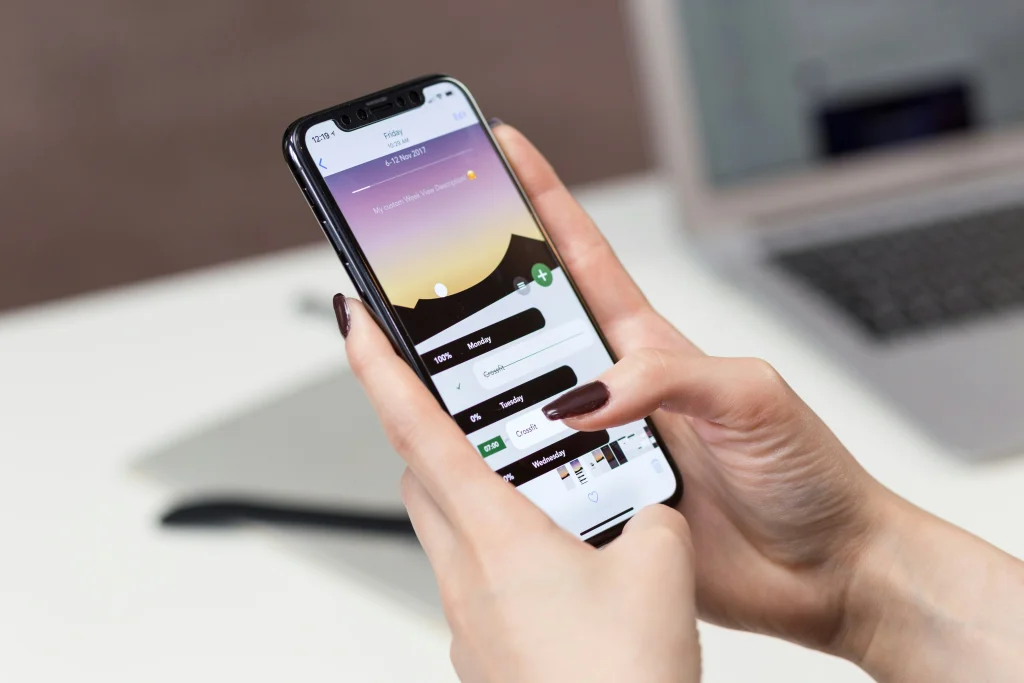
Students and professionals in dynamic work environments can follow live streams, recorded meetings, and tutorials without interrupting those around them or using uncomfortable headphones.
Read more: How satellite connectivity is changing smartphone use in remote areas.
The feature also helps in learning new languages, allowing users to correlate the pronunciation of native speakers with the correct spelling of words displayed simultaneously on the phone screen.
Learn more about global digital accessibility guidelines and technology inclusion standards on the portal. W3C Web Accessibility Initiative (WAI) official.
What precautions should be taken to keep the resource accurate and up-to-date?
Keeping your smartphone's operating system updated ensures you receive new language packs and improvements in the accuracy of your device's speech recognition.
Downloading language files directly in the accessibility settings allows the system to recognize regional accents and technical terms more accurately during daily transcriptions.
Learn More: Apps for measuring environments using only your smartphone.
Environments with excessive background noise or very loud music can interfere with sound capture, requiring you to move the audio closer or adjust the system's playback volume.
To the Enable automatic captions on your smartphone., Please verify that the default audio language matches the language pack installed on your system to avoid misinterpretations of spoken words.
How can I resolve glitches or delays in displaying words on the screen?
Clearing the cache of accessibility services and restarting the device usually resolves minor delays in response time between voice output and text display.
Checking the internal storage space ensures that the local language model has enough memory to process audio information in real time without unwanted crashes.
Read more: Short video apps with support for automatic Portuguese subtitles
Disabling aggressive power saving mode prevents the operating system from terminating the background transcription process to conserve battery power.
Consult technical support guides, accessibility shortcuts, and mobile software updates on the technology portal. Google Accessibility dedicated to users.
Frequently Asked Questions (FAQ)
Do automatic captions use up data from my internet plan?
No, speech processing is done entirely offline on the phone's processor, without using up your mobile data allowance after the initial language download.
Does this feature work for transcribing audio from WhatsApp and social media?
Yes, the tool transcribes any sound emitted by the smartphone's speaker, including WhatsApp voice messages, Instagram videos, TikTok, and YouTube.
Do automatic captions work during regular phone calls?
In newer compatible models, the system can transcribe phone and app calls in real time, displaying the text directly on the phone screen.
Can I save the text generated by the automatic captions to a file?
Some systems allow you to copy text from the floating box, but for long recordings it is recommended to use dedicated voice recorder applications with integrated transcription.
To know Enable automatic captions on your smartphone. This is a crucial step towards transforming your cell phone into a more inclusive, practical, and accessible tool. Embrace this technology to navigate videos, audios, and calls with complete clarity and visual autonomy, anywhere.