Best apps for editing product photos and selling online.
Adverts
The use of apps for editing product photos It has become indispensable for entrepreneurs seeking to professionalize online stores and boost conversion rates in e-commerce.
The product image acts as the main showcase in the digital environment, being directly responsible for building immediate credibility and reducing the rate of merchandise returns.
Investing in proper lighting, background removal, and the application of realistic shadows transforms simple cell phone photos into professional studio-quality catalogs.
How does image quality impact e-commerce sales?
The perceived value of an item sold online depends entirely on the clarity and realism conveyed through the photographs published in the catalog.
Adverts
Clear photos with accurate colors and neutral backgrounds reduce consumer uncertainty, decreasing shopping cart abandonment and boosting the final purchase decision.
Rapid visual processing replaces physical contact with the merchandise, transforming technical details such as textures and finishes into direct conversion arguments.
To track official national e-commerce performance metrics and industry guidelines, please consult the Brazilian Association of Electronic Commerce (ABComm).
Using optimized digital tools on your smartphone saves operational time, allowing you to update your online store's inventory quickly, consistently, and at a low cost.
What are the most efficient apps for commercial photo editing?
Choosing the ideal software requires analyzing ease of navigation, the presence of AI-powered automation, and batch export capabilities.
Several options on the market offer free trials and affordable plans specifically designed to meet the needs of small and medium-sized online retailers.
Below, we present an objective comparison between the main mobile platforms used by online sellers to structure high-performance visual catalogs.
| Editing application | Key Features | Available AI Resources | Suitable for |
|---|---|---|---|
| Photoroom | Precise removal of background | Adjustable shadows and virtual studio | Individuals and e-commerce businesses |
| Pixelcut | Batch production and business models | Image expansion and virtual mannequin | Clothing and accessories brands |
| Canva | Visual library and layout | Scene generator and magic eraser | Creation of banners and social media content. |
| Adobe Lightroom Mobile | Advanced color adjustments and presets | Selective illumination masking | Photographers and authorial catalogs |
Testing the above alternatives using your store's catalog helps identify which interface best meets the speed requirements of your daily business operations.
Why has artificial intelligence revolutionized product photo processing?
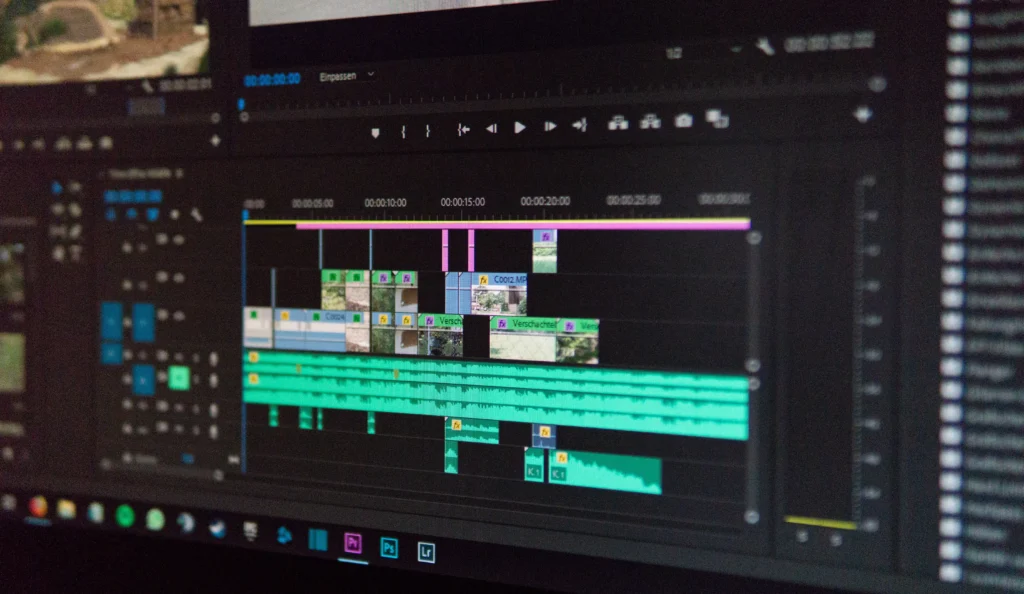
The integration of generative models in apps for editing product photos It eliminated the need to set up complex and expensive physical sets for photo shoots.
Artificial intelligence automatically recognizes the geometry of the item, generating three-dimensional shadow projections consistent with the light and perspective of the created virtual environment.
Read more: Best Apps for Creating a Professional Resume
This advancement allows for the simulation of realistic usage contexts, such as placing cosmetics on marble countertops or shoes in urban backgrounds, increasing the desire to buy.
The cost savings generated by automation allow resources to be reinvested in inbound marketing, keeping the visual identity of virtual storefronts always up-to-date and attractive.
The editing process, which previously took hours using professional computer software, is now completed in seconds directly on a mobile phone screen.
What steps should be followed to get perfect photos on your cell phone?
Ensuring a good initial capture simplifies the editing process in applications, preserving the original sharpness of the image and avoiding unwanted distortions.
Illuminating the product with indirect natural light or diffused lighting reduces blown-out reflections, making it easier for software to automatically identify the object's edges.
Keeping the smartphone lens perfectly clean and using a simple tripod prevents blurring, ensuring sharp details even after digital compression processes.
Know more: Best Apps for Creating a Resume on Your Phone
Standardizing framing proportions and center alignment of items creates a harmonious and professional navigation experience in marketplace storefronts.
Adjusting contrast and saturation moderately preserves the fidelity of the product's true colors, preventing complaints or exchanges due to visual discrepancies.
To understand the technical usability requirements and guidelines for digital commerce in the country, please consult the... Sebrae Nacional.
Transforming product images into recurring sales in the digital environment.
Presenting a clean, standardized, and aesthetically pleasing catalog immediately conveys professionalism to visitors of your online store, converting browsing into actual sales.
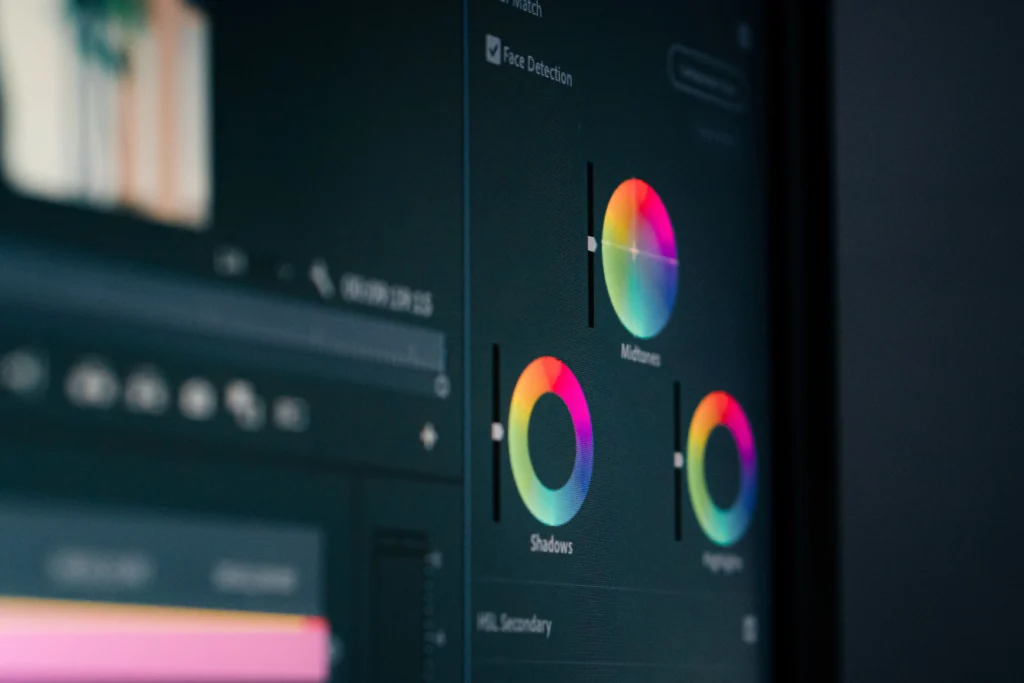
Choosing the right editing applications optimizes the company's operational routine, freeing up valuable manager time to focus on growth and customer service strategies.
Read more: Tools for editing PDFs on your mobile phone without complications.
Utilize processing technologies to your advantage, while maintaining a constant commitment to visual transparency and delivering superior value to your end customer.
FAQ (Frequently Asked Questions)
Is it possible to edit product photos professionally using only a cell phone?
Yes, modern apps feature advanced artificial intelligence that performs precise cropping, lighting adjustments, and scene creation directly from the smartphone.
What is the most recommended photo background for selling on marketplaces?
A neutral white or light gray background is the standard required by most marketplaces, as it highlights the product and makes it easier to view on mobile screens.
How can I prevent the product color from appearing different in the edited photo?
Edit the images under neutral lighting and avoid applying intense color filters, adjusting only the brightness and white balance to maintain the true fidelity of the piece.
Should I use images with transparent backgrounds or AI-generated scenarios?
Images with neutral backgrounds are ideal for the main ad photo, while AI-generated lifestyle backgrounds work very well as secondary and social media photos.