The 7 Best Personal Organization Apps: Which One Really Works?
Adverts
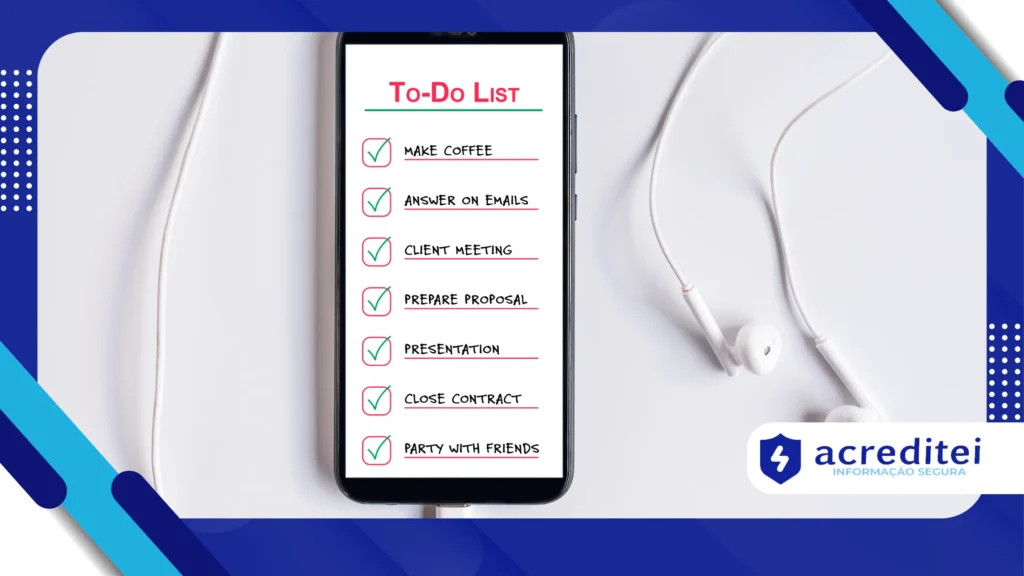
Personal organization goes far beyond simply remembering appointments. It directly influences how you manage your time, priorities, and even your mental health.
There are apps that offer everything from lists and reminders to advanced features like time analysis charts, focus techniques, and group collaboration.
After all, an organized life is like a well-channeled river: when everything flows correctly, the results appear naturally.
1. Best apps for personal organization – Todoist: power and simplicity in the palm of your hand
Known worldwide, Todoist is an application that combines ease of use and advanced features for task management.
Adverts
You can set deadlines, priorities, and even view your tasks in both lists and Kanban style, a visual tool that helps you understand project progress.
For team workers, it offers list sharing and task assignment, making it one of the best apps for personal organization of the market.
Additionally, Todoist integrates with calendars and other digital tools, making it easy to have complete control over your schedule.
An added benefit is the personalized reminder, which prevents important deadlines from slipping by.
+ Why Your Phone Keeps Recording What You Say — Even With the Screen Off
2. Google Calendar: Simplicity that transforms
Google Calendar is a classic for a reason: it works. It's an essential tool for anyone who wants to organize appointments efficiently.
Its synchronization with Gmail and other Google services makes scheduling convenient, eliminating scheduling conflicts.
It even lets you create multiple calendars — one for your personal life, one for work, for example — keeping everything separate and visible in the same interface.
Whether you're scheduling meetings or remembering birthdays, Google Calendar is a solid foundation for any kind of personal organization.
+ How Algorithms Predict What You'll Stream
3. Best apps for personal organization – Trello: visual organization for all needs
For those who prefer something visual, Trello offers customizable boards that help organize complex projects with cards, lists, and colored labels.
This app has been gaining ground among teams and individuals because it makes it easy to keep track of everything in one place, with the ability to comment, attach, and notify.
Imagine breaking a large task into several smaller ones, each on a card, to make it easier to track and complete—that's the idea that makes Trello so effective.
4. Microsoft To Do: Integration and Functionality
Microsoft To Do stands out for its deep integration with the Microsoft ecosystem, especially with Outlook, making it an ideal choice for those who already use these tools on a daily basis.
Its "My Day" feature is a unique feature that helps users focus on their daily priorities, creating personalized and dynamic lists to direct energy and attention to what really matters.
In addition to basic functions like creating lists, adding reminders and attachments, it allows for seamless synchronization between devices, ensuring that tasks are always accessible, whether on your phone, computer, or tablet.
This broad integration brings fluidity to personal organization, preventing loss of information and facilitating progress tracking.
Another important point is collaboration. The tool allows you to share lists with colleagues and family, assign specific tasks, and monitor the progress of joint projects, strengthening cooperation in both personal and professional environments.
Its interface is clean and intuitive, combining simplicity with efficiency — a recipe for those seeking productivity without complications.
Added to this, the app is free, which increases its access and popularity.
Finally, Microsoft To Do goes beyond simple task management by incorporating intelligent suggestions and integration with the virtual assistant Cortana, which can suggest reminders and personalized help, making the organization process even smarter and more fluid.
This combination of technology and usability reinforces why it is among the best personal organization apps on the market.
5. Optimized: Lifestyle analysis for personal organization
Unlike others, Optimized analyzes your routine beyond simply organizing tasks.
It records schedules, activities, rest, and hobbies, generating statistics and graphs that help you understand how your time affects your physical and mental health.
One of the few apps that combines organization with self-awareness, helping to balance productivity and well-being.
+ How to create a simple app and make money with it
6. Remember The Milk: for those who don't want to miss anything
For those looking for a practical and reliable app, Remember The Milk is excellent.
It allows you to manage multiple to-do lists, with reminders, repetitions, and alerts across multiple channels, including email and SMS.
Its simple organizational features, combined with secure cloud storage, ensure that no task is forgotten.
This app also offers integration with other services, such as Google Calendar, making it easier to keep track of your daily activities.
7. Best apps for personal organization – TickTick: all-in-one for focus and productivity
TickTick is a multifunctional app with features that include a calendar, lists, time management, and even focus techniques like Pomodoro.
This set makes it one of the most complete best apps for personal organization, useful for those who need more than reminders, but rather tools to increase concentration.
Plus, TickTick lets you track your daily habits and adjust your routine to become more productive, all in a clean, intuitive interface.
According to recent data from Statista, approximately 82% of users who adopt personal organization apps report a significant increase in productivity and a reduction in stress related to deadlines and commitments, reinforcing the positive impact of such tools on modern daily life.
Summary comparison table of the 7 best apps for personal organization
| Application | Main Features | Platforms | Free Version | Collaboration | Emphasis |
|---|---|---|---|---|---|
| Todoist | Lists, Kanban, deadlines, integration | iOS, Android, Web | Yes | Yes | Versatility, integration |
| Google Calendar | Multiple calendars, synchronization | iOS, Android, Web | Yes | Yes | Easy and visual scheduling |
| Trello | Frames, cards, labels, comments | iOS, Android, Web | Yes | Yes | Project visualization |
| Microsoft To Do | Lists, reminders, “My Day” | iOS, Android, Web | Yes | Yes | Outlook Integration |
| Optimized | Routine record, habit analysis | iOS, Android | Yes | No | Focus on mental and physical health |
| Remember The Milk | Lists, reminders, Google integration | iOS, Android, Web | Yes | Yes | Simplicity and reliability |
| TickTick | Lists, Pomodoro, habits, agenda | iOS, Android, Web | Yes | Yes | Multifunctional tools |
Final considerations
What differentiates these best apps for personal organization It's precisely the focus on individual needs, whether it's scheduling appointments, managing projects, or analyzing your own routine.
The ideal choice depends on each person's lifestyle and specific demands.
It's worth mentioning that continued use of these tools can transform the way you view your time and productivity.
Couldn't this be the key to reducing deadline anxiety and finally achieving that feeling of control and accomplishment?
For more information, visit the Forbes article on digital tools that make professional and personal life easier, with updated details and practical examples.
Additionally, familiarizing yourself with platforms like Trello, known for its versatility, will help you further customize your day-to-day organization.
Taking advantage of the right resources isn't a matter of luck, but of strategy. The apps we've shown here aren't just hype; they're proven tools that hundreds of thousands of users have already incorporated to revolutionize their routines.
Invest in yourself: try the best apps for personal organization and choose the one that can transform your time into your most valuable ally.
Are you ready to take control of your personal organization and maximize every minute of your day? The answer is just a download away.