Tools for testing microphones and webcams before meetings.
Adverts
Discover the best tools for testing microphones and webcams Avoid embarrassing surprises on work calls by ensuring your image and audio are perfect before the meeting begins.
Technical glitches at the start of important presentations convey amateurism, create unnecessary delays, and hinder clear communication with clients and corporate teams.
Native video conferencing platforms and browser-based online testers offer instant checks of framing, lighting, sound gain, and noise cancellation.
Incorporating this simple habit into your daily routine ensures operational stability, strengthens your professional image, and prevents unpleasant interruptions during video calls.
Adverts
What are the best online solutions for testing audio and video peripherals?
Direct web testers access your browser's camera and microphone via secure WebRTC ecosystem APIs without requiring complex software installations.
Specialized websites like Webcam Mic Test and IOBit WebCam Test display the frame rate per second, actual image resolution, and audio volume fluctuation.
These free tools allow you to record short video clips and then play them back to assess whether the microphone is picking up unwanted background noise.
Additionally, the user can check if the ambient lighting requires manual adjustments to exposure or white balance on the camera.
| Test Resource | Main Functionality | Performance Indicator Analyzed | Practical Advantage of Diagnosis |
|---|---|---|---|
| WebRTC Tester | Direct diagnosis in the browser | Resolution (p) and Frame Rate (FPS) | No need to install heavy programs. |
| Zoom Test Room | Full meeting simulation | Audio feedback (Echo Test) and video | Validates the exact application drivers. |
| Teams Test Call | Automated bot recording | Vocal clarity and network latency | Provides detailed post-call report. |
| System Configuration | Windows or macOS control panel | Input level and sensitivity (dB) | Adjusts the native hardware pickup pattern. |
How do I make test calls on the main video conferencing applications?
Established corporate communication applications have dedicated virtual rooms for preventative hardware verification before actual entry into the main room.
In Microsoft Teams, the option to make a test call records a short message of your voice and plays it back immediately to validate noise cancellation.
Zoom offers a speaker and microphone test feature in the audio settings, emitting a beep and prompting for verbal confirmation.
Technical documentation maintained by official support for Google Meet They detail how the pre-call window analyzes camera quality and hides virtual backgrounds before connecting.
Why test your equipment on the operating system itself?
Checking hardware functionality directly in the operating system settings isolates permission problems and generic driver failures before opening browsers.
The Windows and macOS control panels display visual bars that fluctuate according to the intensity of your voice in the microphone connected to the computer.
Read more: How to disable microphone and camera in apps without root access/rootless
This native step allows you to identify whether the system selected the correct microphone or mistakenly captured the embedded audio from an external monitor.
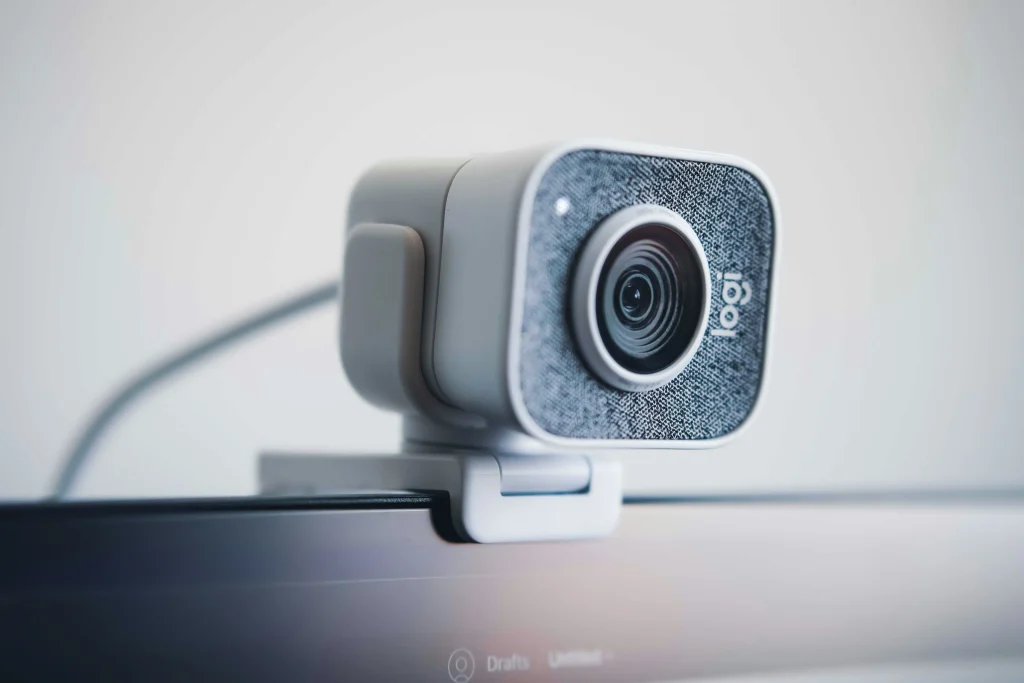
If the indicator bar does not respond to your voice commands, you may need to review your privacy settings or reconnect the USB cable.
What common technical errors affect the quality of your video calls?
Connecting multiple audio peripherals simultaneously, such as Bluetooth headphones and lapel microphones, often leads to conflicts in the automatic selection of the primary recording source.
Construction work in the neighbor's yard, intense typing on a keyboard, and overloaded computer fans introduce bothersome low frequencies that require noise suppression by artificial intelligence.
Know more: Apps for testing iOS 27 features before the update.
Lighting positioned behind the user transforms their image into a dark silhouette, while lights directed at the face ensure sharpness and ideal contrast.
Practical guides on productivity and technology provided by Gov.br Portal They emphasize that pre-checking peripherals improves the efficiency of remote work nationwide.
When should you review your settings before entering the virtual room?
It is recommended to open the tools for testing microphones and webcams approximately five minutes before the scheduled start time of the meeting.
This interval provides enough time to restart the browser, switch the stuck sound input, or adjust the camera's position on the monitor.
Read more: How do AI-powered noise-canceling headphones work?
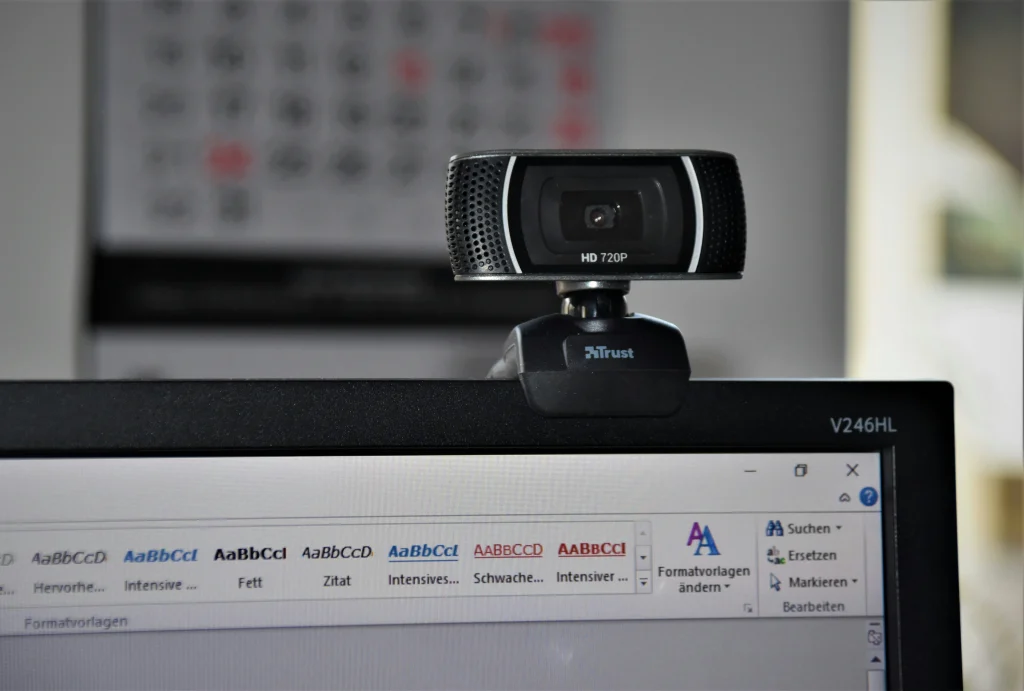
Performing operating system updates at the beginning of the week also prevents video drivers from being restored to factory defaults without warning.
Maintaining a proactive, fact-checking routine transforms technology into an invisible ally, allowing the focus of the conversation to remain entirely on your ideas.
Mastering the proactive use of these diagnostic tools eliminates technical stress and ensures smooth, professional presentations without operational glitches.
Structuring your digital environment in advance is a simple investment that improves the quality of your daily professional connections.
Frequently Asked Questions (FAQ)
Does the browser need special permission to access my microphone and webcam?
Yes, modern browsers require explicit user authorization in the address bar to allow access to media devices for security reasons.
Why does my microphone work in the system test but not in the meeting app?
This problem occurs when the application has a different input source selected in its internal settings or when privacy permissions are missing from the system guidelines.
Does testing the camera on a website consume a lot of my internet data?
The local camera test processes the image within the computer itself and does not send streaming video to the cloud, consuming virtually zero data.