Speech-to-text applications for work meetings

Adverts
Have you ever thought about how easy and quick it would be to transform spoken voice into editable text, with the help of applications that convert speech to text?
Time is the most valuable resource in today's companies. Work meetings that drag on, agendas that get lost, and the difficult task of taking notes in real time are constant challenges.
In this article, we'll explore in depth how speech-to-text technology is revolutionizing the way we interact, collaborate, and capture important information in the corporate environment.
Below is a complete analysis and tips on tools that can transform your routine.
Adverts
The End of Manual Note-Taking: A New Era of Focus and Efficiency
The transition to a more agile and focused work model requires tools that can keep up with this evolution.
Frantically writing during a meeting has never been the best way to retain information. Besides distracting from what really matters, manual transcription is slow and error-prone, leading to rework.
With audio digitization, the priority shifts. Instead of worrying about writing, you can fully focus on discussion, brainstorming, and engaging with your peers.
The act of listening becomes more present and the quality of your participation skyrockets.
Speech-to-text technology offers a robust solution to this problem, ensuring that no insight is lost.
Imagine the freedom of participating in a meeting and, at the end, having an organized document with everything that was said. This is the reality we're building.
+ How to Use the New Threads 2025 for Professional Networking
The Technology Behind the Magic: How Voice Conversion Works
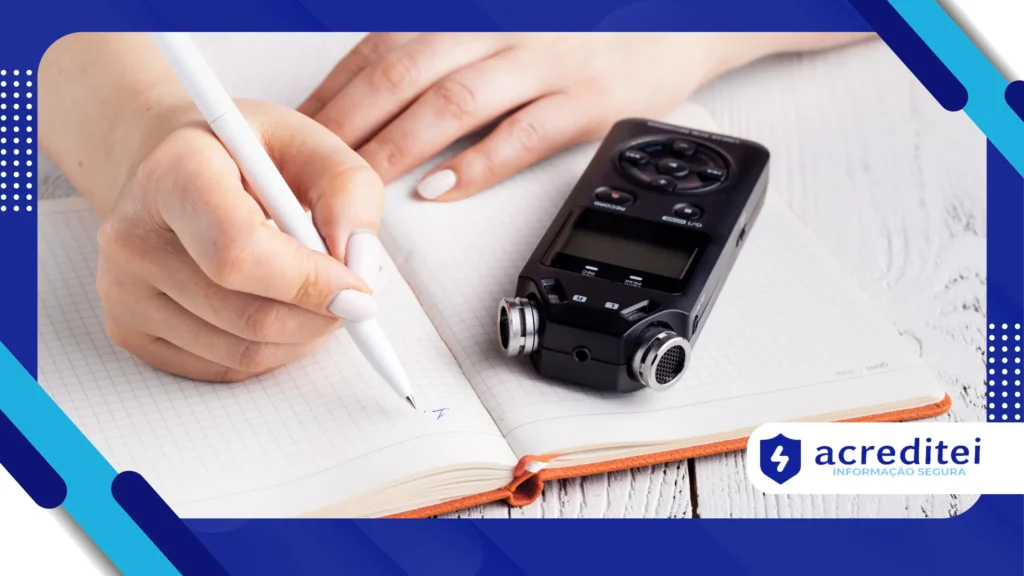
The technology that makes this conversion possible is based on complex speech recognition algorithms.
They are capable of analyzing sound waves and transforming them into written words with high accuracy. Machine learning and artificial intelligence are continually improving the capabilities of these systems.
These apps understand accents, distinguish voices, and even ignore background noise.
Their natural language processing (NLP) capabilities also allow them to understand the context of sentences, resulting in more accurate and coherent transcriptions.
The evolution is so significant that the technology is now capable of differentiating multiple speakers.
This creates an organized transcript, identifying who said what and when, which is crucial for meetings with multiple participants. Accuracy is constantly improving.
Look how interesting: How your device fingerprint travels the web without cookies
Why Speech-to-Text is Essential for Your Career
Adopting innovative tools is a sign of professionalism and strategic vision. In a competitive job market, standing out with smart solutions is essential.
The ability to summarize complex discussions and quickly create detailed records is a plus.
Furthermore, accessibility is crucial. For people with hearing impairments or who struggle with note-taking, this technology is transformative.
It promotes a more inclusive and equitable work environment for everyone.
Think of the time you save. Instead of spending hours listening to recordings and transcribing manually, the process is instantaneous.
This time can be dedicated to more strategic tasks, such as data analysis or project planning. This increases your productivity.
A Look Ahead: Hybrid Meetings and the Note-Taking Revolution
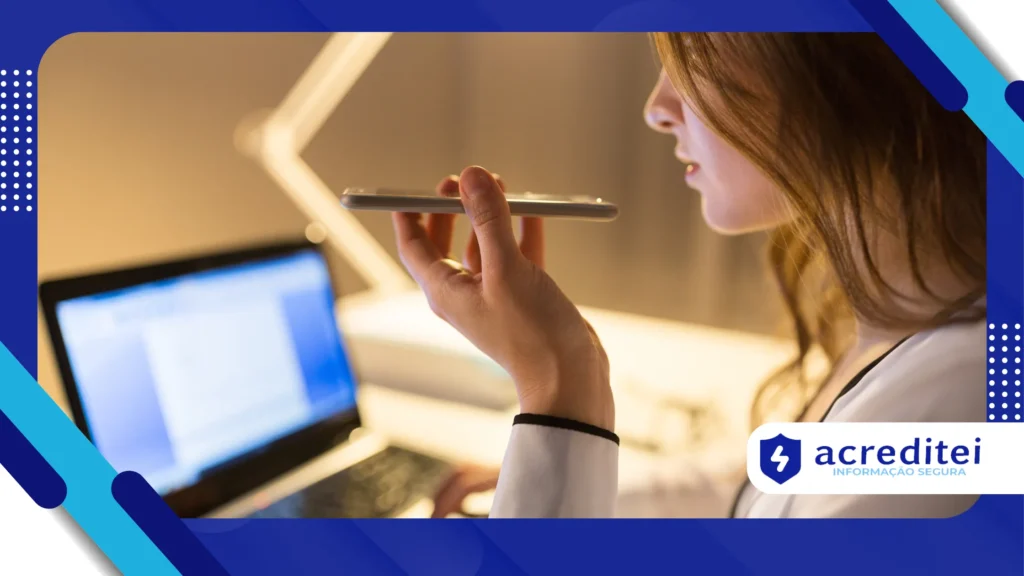
With the rise of the hybrid work model, communication becomes more complex. Meetings with people in the office and at home require tools that unify the experience.
You applications that convert speech to text ensure that everyone, regardless of location, has access to the same content.
Imagine a brainstorming meeting where every idea is automatically recorded and categorized.
Audio transcription serves not only as a record but also as a basis for creating executive summaries. Sentiment analysis can even be integrated.
This technology bridges the gap between analog and digital. It transforms the ephemeral nature of spoken words into concrete, searchable data.
The way we interact with knowledge and information is changing. Are you ready for this change?
The Best Apps on the Market: Discover the Options
To help you navigate this universe, we've compiled a list of some of the best tools available on the market in 2025.
Each of them has features and functionalities that adapt to different needs. The important thing is to choose the one that best aligns with your workflow.
Apps that convert speech to text – 1. Otter.ai: The Intelligent Partner for Your Meetings
Otter.ai is one of the most well-known names in the automated transcription market.
It stands out for its ability to transcribe meetings in real time, including identifying different speakers.
Otter.ai's artificial intelligence also automatically creates summaries and highlights key insights.
Main Features:
- Real-time transcriptions for in-person and virtual meetings.
- Ability to identify and separate voices from multiple speakers.
- Create summaries and keywords for easy navigation.
- Integration with popular platforms such as Zoom, Google Meet, and Microsoft Teams.
Benefits:
- The interface is intuitive and easy to use.
- Transcription accuracy is high, even in noisy environments.
- Allows you to search for keywords within transcripts.
2. Happy Scribe: Professional and Accurate Transcriptions
Happy Scribe offers both automatic and human transcription services. While its focus is broader, its automated meeting tool is quite robust.
Accuracy is a priority, and the platform is ideal for those who need a high-quality, share-ready end result.
Main Features:
- Automatic transcriptions in over 120 languages and dialects.
- Human transcription service for perfect results.
- Built-in editing tool to review and correct text.
- Integration with video and audio editing software.
Benefits:
- It has support for a large number of languages, an important differentiator.
- Transcription quality is a strong point of the platform.
- The human transcription option is ideal for very important content.
3. Speechnotes: Simple, Fast and Free
Speechnotes is a simple and straightforward option for those looking for a quick solution. It works directly in the browser, no downloads required.
It's a useful tool for quick note-taking or dictating text, but it may not have all the features of its competitors.
Main Features:
- Real-time voice transcriber, no installation required.
- Use of automatic punctuation for easier reading.
- Support for multiple languages, with quick switching between them.
- Possibility of saving text in different formats.
Benefits:
- Simplicity and speed of use are its greatest benefits.
- It is a free tool, ideal for individual and quick use.
- It does not require creating an account to start using it.
4. Google Recorder: The Power of Google in the Palm of Your Hand
Google Recorder is an audio recording app that provides high-quality transcription.
Available for Google Pixel smartphones and with some features on other Androids, the tool is known for its accuracy and integration with the Google ecosystem.
It is ideal for those who already use the company's services.
Main Features:
- Automatic, real-time transcriptions of audio recordings.
- Search for keywords within the audio and transcript.
- Identifying sounds, such as applause and music, and categorizing them.
- Easy access to files in Google Drive.
Benefits:
- High transcription accuracy, thanks to Google algorithms.
- It is integrated with Google search technology, making navigation easier.
- The simplicity of the interface is a positive point.
A Practical Example of How Technology Transforms Meetings
Consider a startup's marketing team, tasked with launching a new product. During a brainstorming meeting, ideas emerge fluidly.
A team member uses one of the applications that convert speech to text, and the transcript is projected in real time on the screen.
Everyone can see the ideas materialize in text, and the project manager adds tags and notes directly to the transcript.
At the end of the session, the team has a complete document with all the suggestions, without the need for manual minutes.
This material becomes the basis for the action plan, optimizing time.
Another example is a sales team that uses technology to automatically transcribe their calls with customers.
Transcripts become valuable records, documenting key customer pain points and sales objections. Managers can analyze this data to identify patterns and coach their team.
The Right Choice for Your Productivity
The decision of which tool to use depends on your needs. By 2025, the applications that convert speech to text is richer and more diverse than ever.
From free tools to robust software, there's a solution for every type of professional and business.
Adopting this technology is not just a convenience, but a necessity for those seeking a more efficient career and time management.
According to a report by consultancy Gartner, the adoption of process automation technologies, such as speech-to-text transcription, grew 35% in companies in 2024, highlighting a market trend.
The projection is that this number will continue to rise, driven by the search for efficiency and reduction of operational costs.
| Application | Main Functionality | Accuracy (scale 1 to 5) | Average Price |
| Otter.ai | Real-time transcription | 4.8 | Free and paid plan |
| Happy Scribe | Professional transcription | 4.9 | Pay per minute |
| Speechnotes | Simple and fast transcription | 4.5 | Free |
| Google Recorder | Integrated transcription | 4.7 | Free |
Tips for Maximizing Technology Use
To make the most of the potential of applications that convert speech to text, consider these tips.
First, use a good quality microphone to ensure clear audio capture.
Second, let meeting participants know that the conversation will be transcribed so everyone speaks clearly and slowly. Finally, quickly review the transcript to correct any errors.
Think of voice transcription technology as a personal assistant, always ready to capture and organize your thoughts.
It allows you to focus on what really matters, which is human interaction and value creation.
Just as the invention of the ballpoint pen revolutionized writing, these apps are revolutionizing the way we interact with spoken information.
The future of work is a place where technology removes bureaucratic barriers and allows professionals to focus on their core competencies.
Converting audio to text is an important step in this journey. Why not start exploring these tools today and take your productivity to the next level? You won't regret it.
To deepen your knowledge on the topic, you can check out the article by MIT Technology Review on the future of AI in communication.
And to understand the best practices for using this technology, the technology website TechCrunch also has articles and analyses on the topic.
Conclusion: A Technology that Changes the Routine
In a world where every second counts, applications that convert speech to text are not just a luxury, but a necessity.
They offer a smart and efficient way to manage information, optimize time and improve communication.
Adopting these tools is an investment in your productivity and that of your team, paving the way for a more focused, collaborative, and, above all, human future of work.