Tips to improve privacy on your cell phone with simple adjustments.
Adverts
Search for strategies to improve privacy on your mobile phone It became an ethical and technical imperative in 2026.
With the sophistication of tracking by large corporations and malicious apps, our smartphones have ceased to be mere communication devices; they function as extensions of our identity, storing financial habits, precise locations, and intimate conversations.
This guide offers practical solutions and immediate adjustments that any user can apply. We'll analyze everything from permissions management to the use of encrypted networks, ensuring your digital footprint is drastically reduced.
By the end of this reading, you will have a much more secure device, regaining control over who can access your information on a daily basis.
Adverts
How to audit permissions for improve privacy on your mobile phone?
The first step to regaining control is to conduct a thorough audit of each application's permissions, removing unnecessary access to the camera and microphone.
Many software programs request your location full-time, even when the core functionality of the service does not require such constant monitoring to operate.
It's the kind of silent monitoring we accept for convenience, but which comes at a high price in anonymity.
Check your system settings and disable Bluetooth and contact access for apps that don't have essential social functions.
There's something unsettling about the way calculators or flashlights request access to the photo gallery; this is often misinterpreted as a technical necessity, when in reality it's simply data collection.
By limiting these accesses, you reduce the attack surface and prevent third-party companies from collecting detailed behavioral profiles.
This practice is the foundation of any serious strategy for anyone who wants to... improve privacy on your mobile phone Quickly. It's less about paranoia and more about establishing clear boundaries in your digital space.
Why is disabling ad tracking essential?
Advertising networks create unique identifiers for each device, allowing brands to track your interests across different websites invisibly.
Disabling the “Advertising ID” or using “App Tracking Transparency” interrupts this flow, preventing these profiles from being fed with new data.
It's not just about avoiding annoying ads, but about breaking the mechanism that turns your routine into a commodity.
This doesn't eliminate advertising, but it makes it generic, which is a win for your privacy.
The goal here is to make your digital presence less predictable and financially less valuable to data brokers operating in the shadows of the internet.
Less data collected means less chance of algorithmic manipulation.
To better understand how regulations protect your rights, visit the portal of National Data Protection Authority (ANPD) It offers clear guidelines on how companies should handle personal information in Brazil in 2026.
Being informed is the first layer of protection against corporate abuse.
Which network settings protect your browsing data?
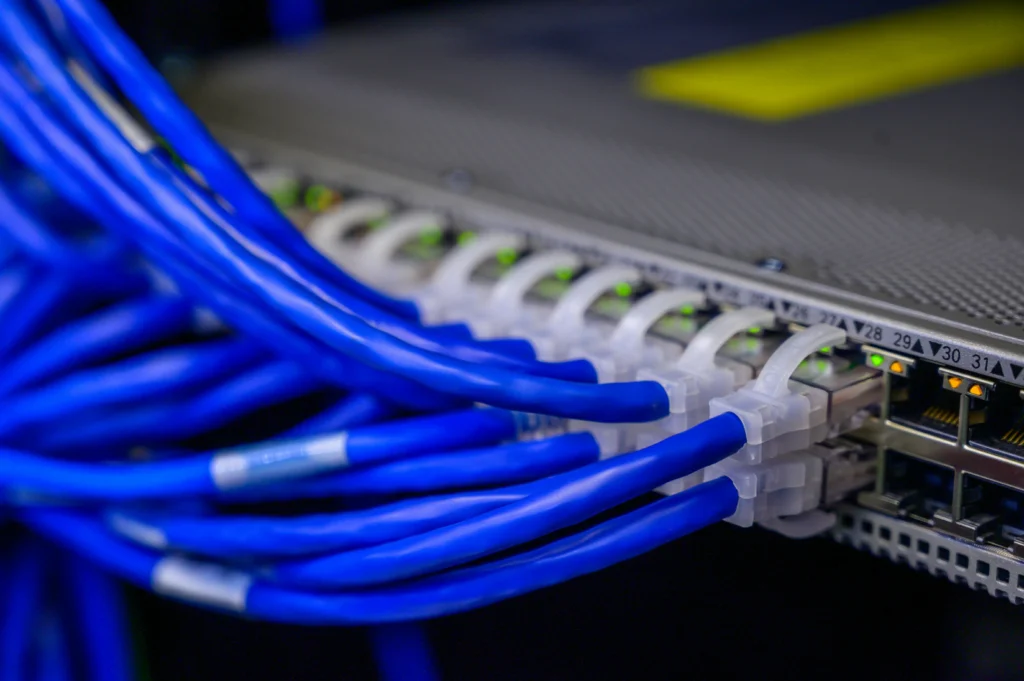
Using a private DNS with encryption support prevents your internet provider from logging every domain you visit.
This extra layer is essential when we need to use Wi-Fi networks in airports or coffee shops, which are known for their technical fragility and the ease with which criminals intercept data packets.
Configuring your device to use random MAC addresses also makes physical tracking more difficult in commercial establishments.
These technologies capture your Wi-Fi signal to map your shopping journey without you realizing it, creating a heat map of your movements within a shopping mall, for example.
Additionally, consider privacy-focused browsers that block trackers by default.
This change in habit interrupts thousands of monitoring attempts that occur silently with each search session.
It's like closing the curtains at home: those outside don't need to know what you're reading or researching.
Privacy Features by System (Versions 2026)
| Security Feature | Android 16+ | iOS 19+ | Impact on Privacy |
| Privacy Report | Native (Panel) | Native (App Report) | High: Identifies abusive apps |
| Approximate Location | Available | Available | Medium: Protects your exact home. |
| DNS over TLS/HTTPS | Native Configuration | Requires Profile/App | High: Hides visited sites |
| Hide Email | Via Google One | Via iCloud+ | High: Prevents spam and leaks |
| Camera/Mic Indicator | Visual icon | Visual icon | Medium: Warning: Misuse |
How can notifications on the lock screen leak data?
Many people forget that physical privacy is just as vital as digital privacy, allowing notifications to display the full content of messages.
Configure your smartphone to only show the app name on the lock screen. It's a simple setting, but it prevents strangers from reading your conversations over your shoulder.
This setting prevents third parties from viewing authentication codes (2FA).
Read more: Tips for organizing notifications and reducing daily interruptions.
In a work environment or on public transport, this protection prevents banking information from being exposed.
It's a matter of digital etiquette and basic personal security that many ignore until it's too late.
Biometrics should be complemented by strong alphanumeric passwords, rather than pattern recognition.
Fingerprints on the display can reveal your password to a keen observer, compromising the entire system.
Treat your password like the key to your house: you wouldn't leave it hanging on the door for just anyone to see.
When should you use the secure folder for sensitive files?
Most manufacturers now offer an isolated environment, known as "Secure Folder" or "Private Space," with independent encryption.
Use this feature to store photos of documents and banking apps. It's where you keep things that absolutely cannot fall into the wrong hands.
Know more: Adaptive cybersecurity in 2026: essential real-time defense
Even if someone manages to access your unlocked phone, this layer will require new authentication.
It's a strategic redundancy that ensures data remains inaccessible even in situations of coercion or theft. Thinking about this "second safe" is what separates the average user from the cautious user.
Integrating this practice into daily life transforms the cell phone into a resilient digital safe.
The distinction between casual use and highly sensitive activities is what defines a conscious user. It's not about hiding something wrong, but about protecting what is rightfully theirs.
Is hiding photo metadata really necessary?
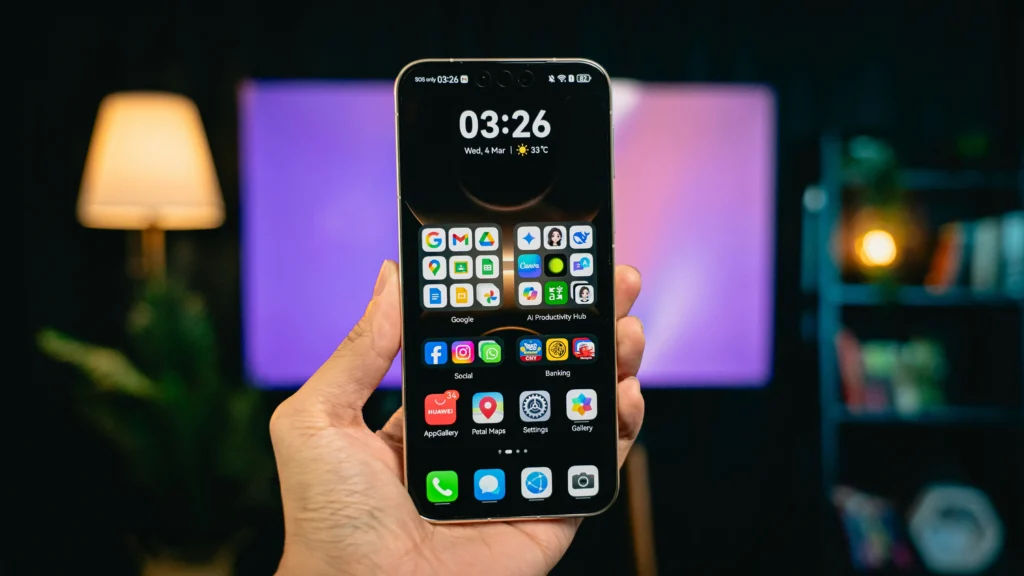
Every photo you take carries invisible information called EXIF data, which includes the phone model and exact GPS coordinates.
When sharing images on social media, you may be unknowingly revealing your home address. It's a tiny technical detail with enormous geographical consequences.
Read more: What is metadata and why does it matter?
Adjust your camera settings to not record your location, or clear this metadata before the final upload.
This precaution is vital to keep your routine away from strangers or geo-tracking algorithms that automatically map your favorite places.
By 2026, geolocation awareness has become a tool for self-defense.
Small actions, like removing the location tag from a family photo, prevent your life from being mapped. It's the kind of precaution that seems excessive until someone unwanted knocks on your door.
Regaining your digital autonomy doesn't require in-depth programming knowledge, but rather a change in how we interact with screens.
To deepen your knowledge about security in open systems, the Android Open Source Project (AOSP) It details how core protections are developed.
Keeping your operating system up-to-date is the last line of defense against newly discovered vulnerabilities.
Technology should work for you, not the other way around; therefore, adjust your settings today to ensure your private life remains exactly that: private.
FAQ: Frequently Asked Questions
Does using a VPN really improve my privacy on my phone?
Yes, a VPN encrypts the traffic between your mobile phone and the internet. However, it's vital to choose providers that don't keep logs of your activity; otherwise, you're just swapping who monitors your data.
Does disabling location services affect GPS functionality?
Disabling global location services prevents apps from working. The best strategy is to set the permission to "Only while in use" and use "Approximate Location" for services that don't need to know your exact street, such as weather forecasts.
Is facial recognition more secure than fingerprint sensors?
Both are very secure, but low-cost facial recognition can be fooled by photos or masks. Opt for systems that use 3D mapping or ultrasonic fingerprint sensors, which analyze depth and are much more difficult to spoof.
Is antivirus software necessary on mobile phones in 2026?
If you only install apps from official stores, the native protections are usually sufficient. If you frequently download files from unknown sources or "modded" apps, an antivirus becomes a necessary cleaning and detection tool.
How can I tell if my microphone is being used without permission?
Pay attention to the top of the screen: a green or orange dot lights up whenever the microphone or camera is activated. If you see this signal when you're not on a call or recording a video, it's time to immediately review your app permissions.