What is Two-Step Verification and Why You Should Enable It
Adverts
Imagine your password as the door to your house. You can lock it with a key, but if someone copies it or breaks in, access is completely open.
Now think about adding a second lock, completely different and difficult to replicate.
This is the logic of two-step verification: create a double barrier that makes invasion extremely unlikely.
Today, our digital lives carry more value than many physical assets. Credit cards registered on websites, private conversations on messaging apps, confidential work files, personal photos, and even cryptocurrency wallets are constantly at risk.
Adverts
Hackers don't need to "target celebrities" — any account can be profitable on the underground market.
It is in this scenario that the two-step verification has gone from being just a “recommended option” to a pillar of modern cybersecurity.
According to Microsoft, enabling this feature reduces the chances of unauthorized access by 99.9%, even when the password has already been discovered.
So if the question is still whether you should activate, the answer is clear: yes, and the time is now.
Summary
- What is two-step verification?
- How it works in practice
- Two-Step Authentication Types
- SMS and email
- Authentication applications
- Physical security keys
- Biometrics
- Real cases and lessons learned
- Benefits that go beyond security
- Common challenges and how to overcome them
- How to activate on popular services
- The future of digital authentication
- Conclusion
- Frequently Asked Questions
What is two-step verification?
A two-step verification (or 2FA – Two-Factor Authentication) is a method that combines two forms of authentication to grant access to an account.
Traditionally, we only use something we know: a password. 2FA adds something we have (a phone, a token, a physical key) or something we are (biometrics).
This extra layer is essential because, contrary to what many believe, passwords are not insurmountable barriers.
Leaks from large companies are common. In 2024, a report by Cybersecurity Ventures showed that, on average, 24 billion credentials were exposed on underground forums.
In other words: relying solely on passwords is like using a rusty padlock to protect a safe full of jewelry.
+ How to Increase Cell Phone Battery Life Without Installing Apps
How it works in practice
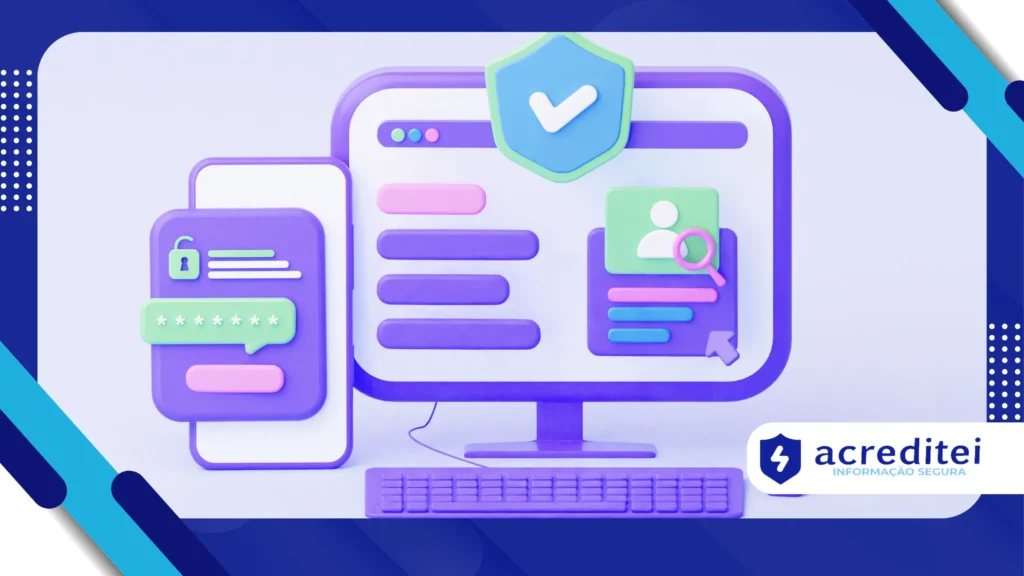
Let's take a simple example: you log into your email, enter your correct password, but before accessing, you receive a six-digit code on your cell phone.
Only after entering this code will the platform allow you to enter.
This code has a short validity period and cannot be reused. This means that even if an attacker has your password, they would also need your phone to access it.
Now imagine the difference: a scammer buys your password in a data breach, but when trying to use it, they hit a second barrier. For them, it's like finding a bulletproof door behind the first.
Two-Step Authentication Types
SMS and email
The most popular and accessible method. A code is sent via text message or email. It's convenient, but vulnerable to hacking techniques. SIM swap, when criminals clone the cell phone chip.
Authentication applications
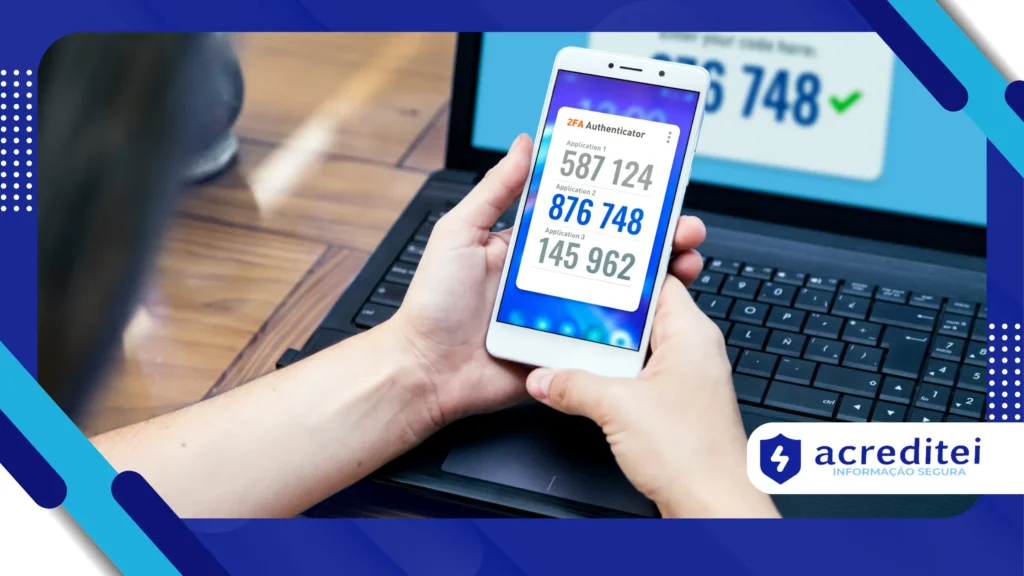
Tools like Google AuthenticatorAuthy and Microsoft Authenticator generate dynamic codes that change every 30 seconds. Because they don't rely on a mobile network, they're more secure against SIM card cloning.
Physical security keys
These are devices that you connect via USB or tap using NFC. A YubiKey, for example, costs an average of R$1,400, but is considered nearly unbreakable.
Companies like Google and Meta recommend this feature to employees who handle sensitive data.
Biometrics
Fingerprint scanning and facial recognition are already accepted as a second factor in many services.
Although practical, they still raise debates about privacy and possible flaws in biometric collection systems.
+ How to find hidden or background apps consuming your data and battery
Real cases and lessons learned
In 2020, Twitter suffered an attack that compromised the accounts of Elon Musk, Barack Obama, and Bill Gates.
The investigation proved that the absence of two-step verification in some administrative accounts facilitated the scam, which moved thousands of dollars in cryptocurrencies.
In Brazil, according to Febraban, more than 2.5 million people suffered digital fraud in 2023, largely related to unauthorized access to banking applications.
Typically, victims had not activated 2FA, a feature that could have blocked the hack.
These incidents prove that it's not a question of "if" you'll be targeted, but "when." And having protection enabled determines whether the attack will be successful or not.
Benefits that go beyond security
Activate the two-step verification is not just a defense against hackers. It also provides:
- Psychological tranquility: You don't have to live in constant fear of password leaks.
- Professional credibility: Companies that require 2FA demonstrate security maturity, increasing customer and partner confidence.
- Financial protection: Preventing unauthorized access to banking applications, brokerages, and digital wallets can mean preventing millions in losses.
- Control over your digital identity: Even if your password appears in a leak, you remain in control.
Common challenges and how to overcome them
Many users avoid 2FA because they find it complicated. In practice, it's easier than it seems.
- Cell phone change: Use cloud-backed apps like Authy or save recovery codes.
- Forgotten devices: Keep a spare physical key or printed codes in a safe place.
- Running routine: The extra seconds to enter the code don't compromise your productivity. It's like putting on your seatbelt: a small gesture that can save a lot.
How to activate on popular services
Go to your Google account → "Security" → "Two-Step Verification." You can choose SMS, phone call, authentication app, or physical key.
In Settings, select "Account" → "Two-Step Verification." You'll set a six-digit PIN that you'll be prompted for periodically.
Instagram and Facebook
Go to "Security and Login" → "Use two-factor authentication." This can be done via SMS, an authenticator app, or a physical key.
Banks and fintechs
Most already activate automatically, but it's worth checking the app's security settings to see if 2FA is working.
The future of digital authentication
Experts believe that the two-step verification it will just be a transition to even more robust systems, such as passwordless authentication (passwordless).
Giants like Microsoft and Apple are already investing in the use of encryption-based access keys integrated into devices and biometrics.
However, until these solutions become standard, 2FA remains the most effective form of protection available to everyone.
Conclusion
A two-step verification is today one of the simplest and most effective resources to protect your digital identity.
In a world where data breaches have become routine, relying solely on passwords is negligent.
Your data, your career, your finances, and even your reputation could be at risk if you don't take the time to activate this feature.
Think about it: would you leave your house unlocked in a rush to turn the key?
Enabling two-step verification is the digital equivalent of locking your door. The cost is practically zero, but the protection is invaluable.
Frequently Asked Questions
1. Is it mandatory to enable two-step verification?
Not for all services, but many have already started requiring or strongly recommending it. Google, for example, has automatically enabled it for millions of accounts.
2. Is SMS safe?
It's a start, but not the most reliable method. Use authenticator apps or physical keys instead.
3. Can I lose access if I change my cell phone?
No, if you have saved recovery codes or use apps with cloud sync.
4. Do I need to activate it on all my accounts?
Ideally, yes. But start with the most critical ones: email, social media, and financial apps.
5. How long does it take to set up?
For most services, it takes less than five minutes. The impact is minimal, but the safety gain is enormous.